

For a long time, I thought running ads was mostly about finding the perfect audience. I’d spend hours fiddling with targeting, interests, and age ranges, then run the same image for six weeks and wonder why results slid downhill. A friend who runs ad accounts for a living finally said something that stuck: “The platform finds the audience. Your job is to give it something worth showing.”
She was right, and the industry is moving the same way. Platforms keep automating targeting and placements, which makes creative the biggest lever you still control. Google has added controlled creative testing for Performance Max asset groups and per-asset reporting in some campaigns. TikTok’s Smart+ lets you choose how much automation you want. Meta has been limiting placement exclusions. In every case, the message is the same: better creative beats clever settings.
In this guide, I’ll give you a simple creative testing framework for small businesses: what to test, how to run tests without wasting money, and how to know when to scale or stop.
What the Latest Data Suggests
Take these as hints, since much of the data comes from ad platforms and vendors:
- A Marketing Dive analysis of AppLovin data found advertisers who released new creative almost every week during a major holiday window saw about 23% higher seven-day return on ad spend than those who refreshed once or twice.
- In the same data, creative uploaded during the holiday month returned about 20% more on first interaction than assets older than 60 days.
- Promotional messaging accounted for roughly 64% of day-seven revenue, even though it made up less of the creative mix.
- The shortest videos delivered the biggest lift in first-interaction return compared with longer ones.
- Marketers are under cost pressure. Surveys show many name rising media costs as their top stress and are shifting toward ads that clearly tie to sales.
Here’s the truth: you don’t need a big budget to test creative. You need a system.
The Four Things Worth Testing
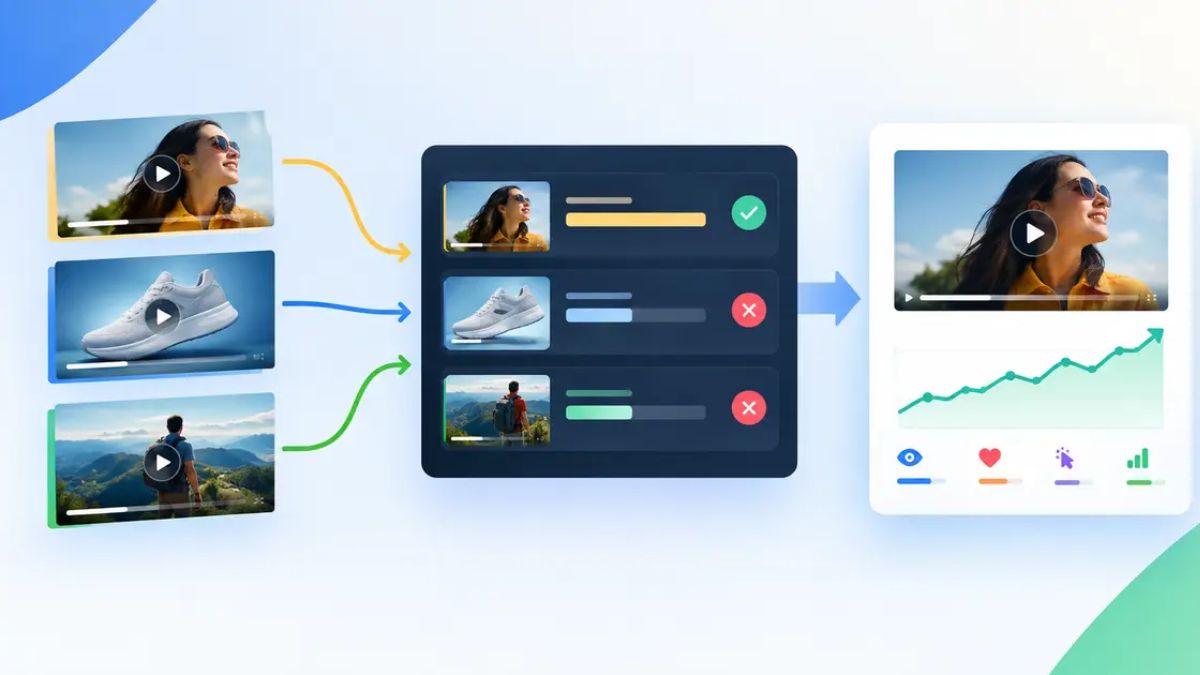
Most ads can be broken into four building blocks. Test one at a time.
1. The hook
The first one to three seconds of a video, or the headline and image of a static ad. Examples:
- A question: “Tired of dinner at 6 p.m. panic?”
- A bold claim you can back up: “We cut her bookkeeping time in half.”
- A visual surprise or before-and-after
- A relatable pain point
2. The offer
What the customer gets and why now:
- Percent off versus dollars off
- Free shipping versus a free gift
- Bundle versus single product
- A deadline or limited quantity
Promotional messaging often drives sales, but only if the offer is real and clearly stated.
3. The proof
Why someone should believe you:
- Customer reviews and photos
- Numbers (“4,000 happy customers”)
- Demonstrations
- Credentials, press, or guarantees
4. The format
How it’s delivered:
- Short video (15 seconds) versus longer (30 to 60 seconds)
- Creator-style or product-focused
- Static image, carousel, or text-heavy
- Vertical versus square
A Simple Testing Framework
Step 1: Write a hypothesis
Fill in this sentence: “If I change [one element], then [metric] will improve because [reason].”
Example: “If I open with the customer’s problem instead of my logo, click-through rate will improve because it grabs attention faster.”
Step 2: Change only one variable
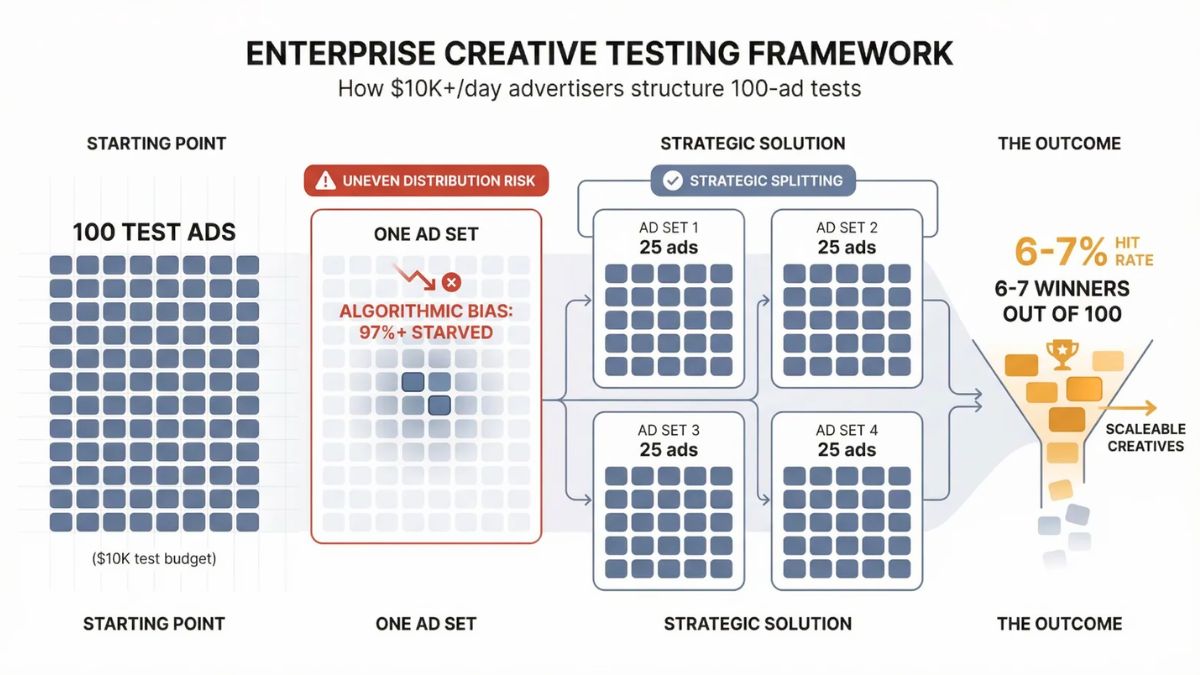
If you change the hook, offer, and format all at once, you won’t know what worked. Keep everything else the same, and create two to four versions of the one thing you’re testing.
Step 3: Name everything clearly
Use a consistent naming system so results are easy to read later:
Product_Hook-Question_Offer-15off_Format-Video15_V1
It looks fussy, but it saves hours when you’re reviewing results.
Step 4: Set a budget and a time window
- Decide how much each version can spend before you judge it.
- Run the test long enough to gather meaningful data, not just a few hours.
- Avoid editing the ads mid-test.
Step 5: Pick one success metric
Choose before you start:
- Click-through rate or hook rate (video views past the first three seconds) for attention tests
- Cost per lead or sale for offer and proof tests
- Conversion rate if you’re testing landing pages
Using too many metrics makes it easy to pick a winner you already wanted.
Step 6: Decide the rules in advance
Write them down:
- Scale: If cost per sale is below break-even for a set period, raise the budget gradually.
- Iterate: If clicks are strong but sales are weak, test the offer or landing page.
- Kill: If results are far worse than average after the minimum budget, pause it.
Use the Testing Tools Platforms Now Offer
- Google Performance Max asset group testing lets you compare variations in headlines, descriptions, images, and videos before fully committing. Note that once a test starts, you may not be able to edit that asset group, so plan ahead.
- Per-asset reporting in some Google campaigns shows how individual images, headlines, and copy perform.
- TikTok Smart+ can test creative automatically, with adjustable automation levels.
- Meta’s creative reporting shows which ads and formats earn clicks and conversions.
Whatever you use, treat platform “best” labels as hints and compare against your own sales data.

Spot Creative Fatigue Early
Signs your ad is getting stale:
- Click-through rate drops while frequency rises
- Cost per result climbs
- Comments turn negative or repetitive
- The same people keep seeing it
A good rhythm is to refresh a little each week: a new hook, a new image, a new customer quote. You don’t need to rebuild everything. Small, regular changes can keep creative feeling fresh.
A Simple Creative Brief Template
Before making any ad, fill this out:
- Audience: Who is this for?
- Problem: What pain are they feeling?
- Promise: What result do we offer?
- Proof: What evidence supports it?
- Offer: What’s the deal and the deadline?
- Hook idea: The first line or visual.
- Format: Video length and style.
- Call to action: The one action we want.
Use AI to Speed Up Variations (With a Human in Charge)
AI can help brainstorm hooks, write headline variations, and suggest scripts. Some integrations now let AI assistants draft campaigns across ad platforms, with new campaigns held in a paused state until a person approves them. That’s the right model: AI drafts, you approve. Always check claims for accuracy, follow platform ad policies, and avoid making promises you can’t keep.
Mistakes to Avoid
- Testing too many things at once.
- Judging results too early.
- Running one creative for months.
- Making polished ads that don’t feel native to the platform.
- Ignoring the landing page. A great ad can’t rescue a weak page.
- Making unrealistic claims.
- Not keeping notes about what you learned.
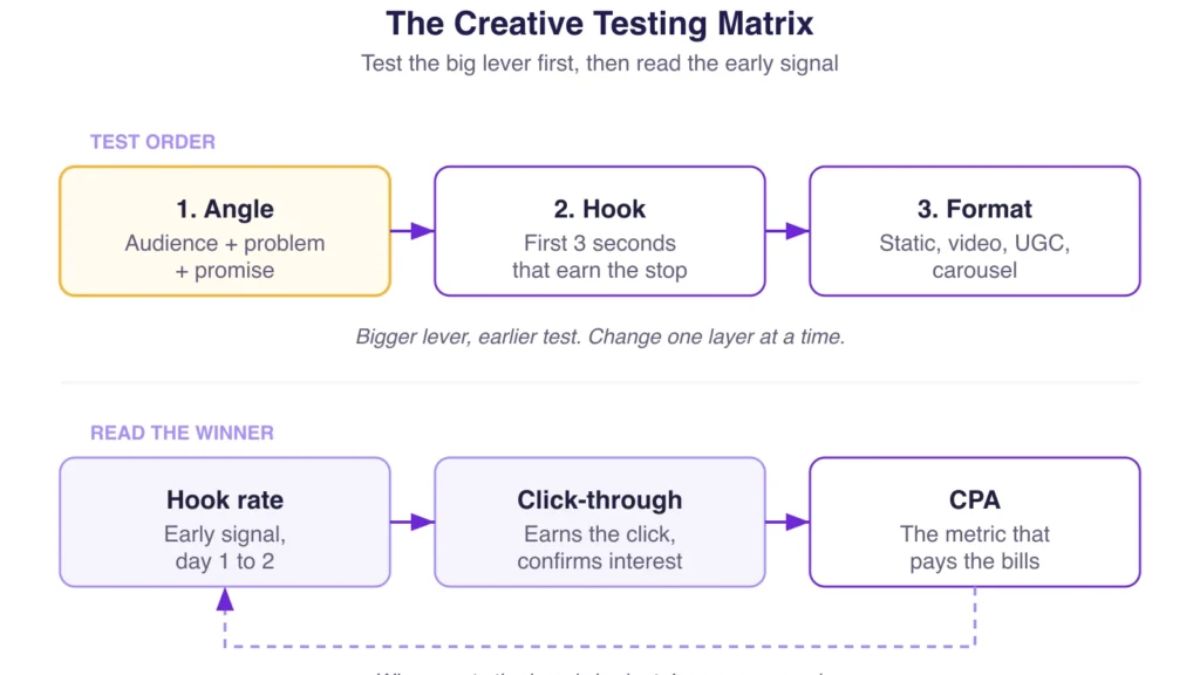
Your 4-Week Creative Testing Plan
- Week 1: Write your creative brief. Create three hooks for one offer.
- Week 2: Run the hook test with equal budgets. Review attention and cost metrics.
- Week 3: Keep the winning hook. Test two offers.
- Week 4: Add proof elements (reviews or demos) to the winner, and test a short versus longer format. Record what worked in a simple log.
Build a Marketing System Around Great Creative
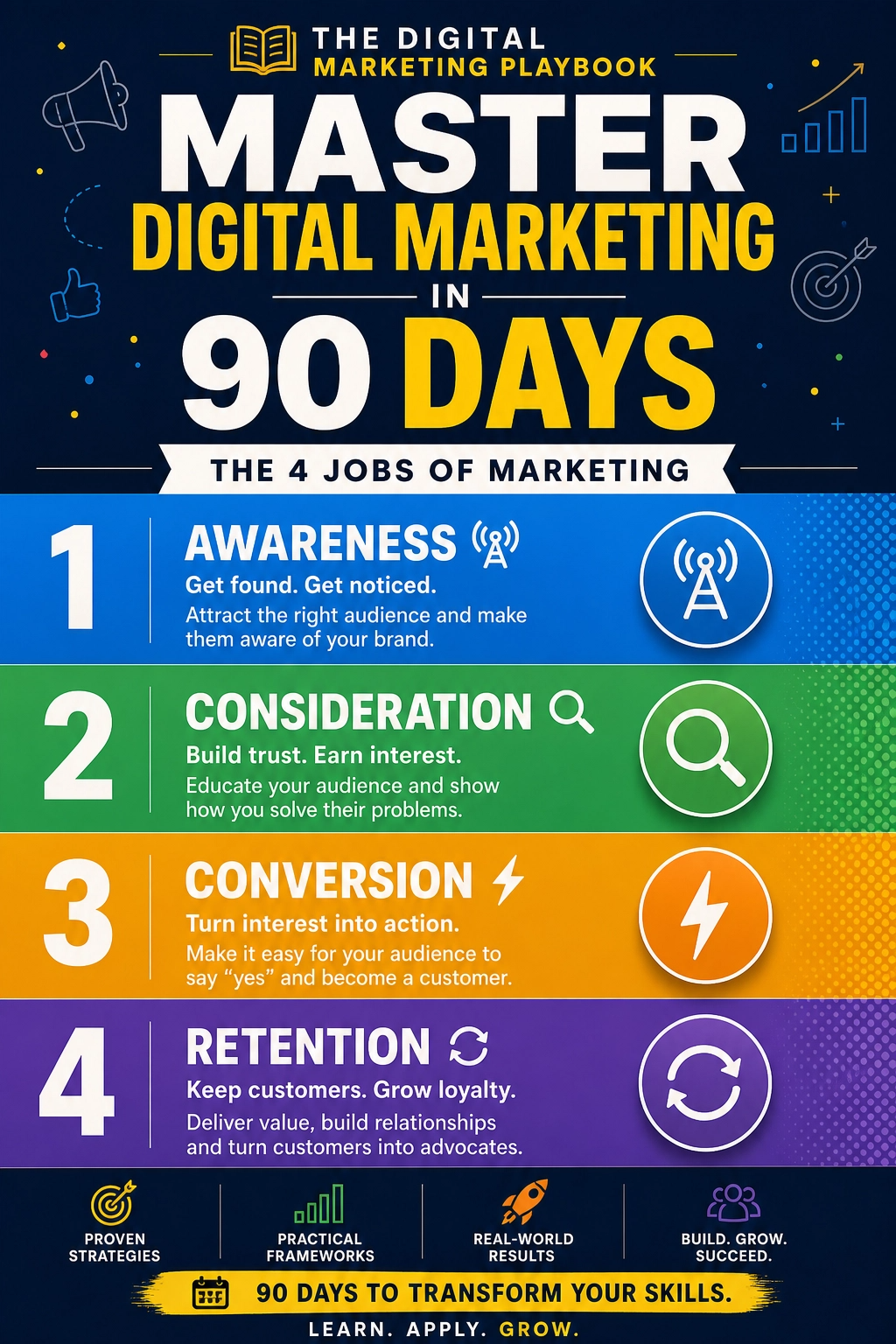
Creative testing works best when it sits inside a bigger plan with clear goals and tracking. If you’d like a step-by-step guide to building that system, take a look at my ebook:
The Digital Marketing Playbook
Trust me, a good testing habit makes every campaign cheaper to run.
Final Thoughts
As platforms take over targeting and placement, your message becomes your edge. Test one element at a time, set rules before you start, refresh regularly, and keep a human in charge of anything AI helps create. Small, steady experiments will teach you more about your customers than any setting ever could.






Leave a Reply