

I used to have a very specific Sunday-night ritual: open a blank slide deck, stare at it, and slowly accept that my weekend was over. Sound familiar? Building a proposal, a client report, or a simple one-page brand guide used to eat hours I didn’t have.
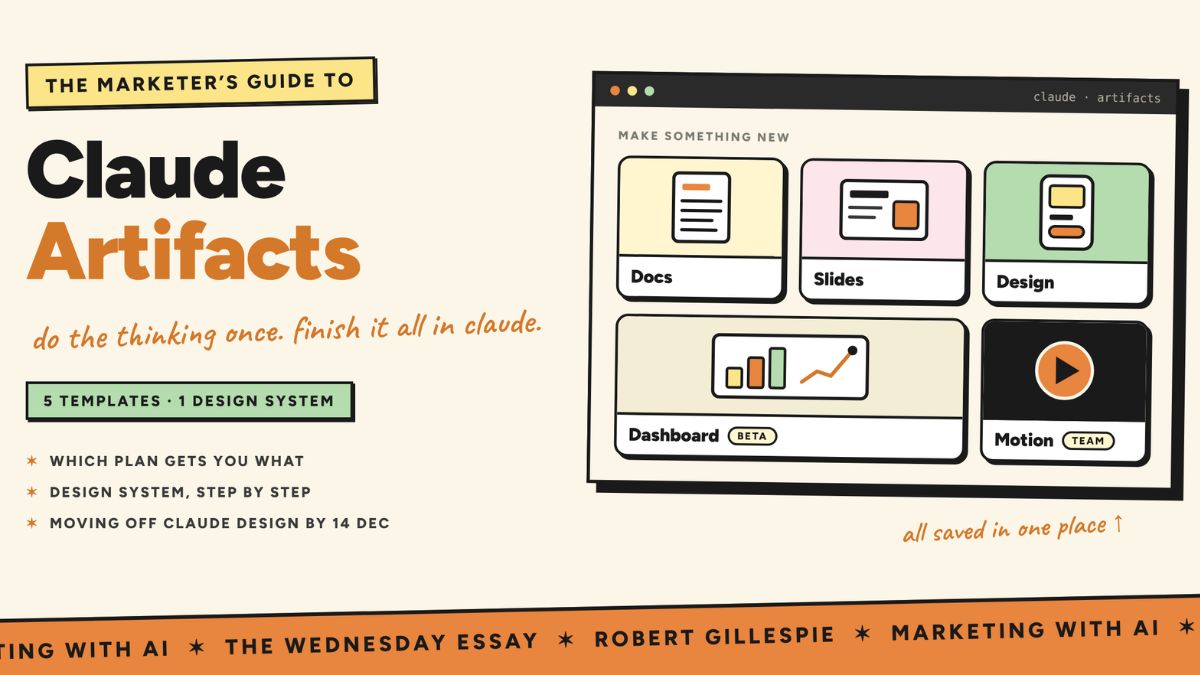
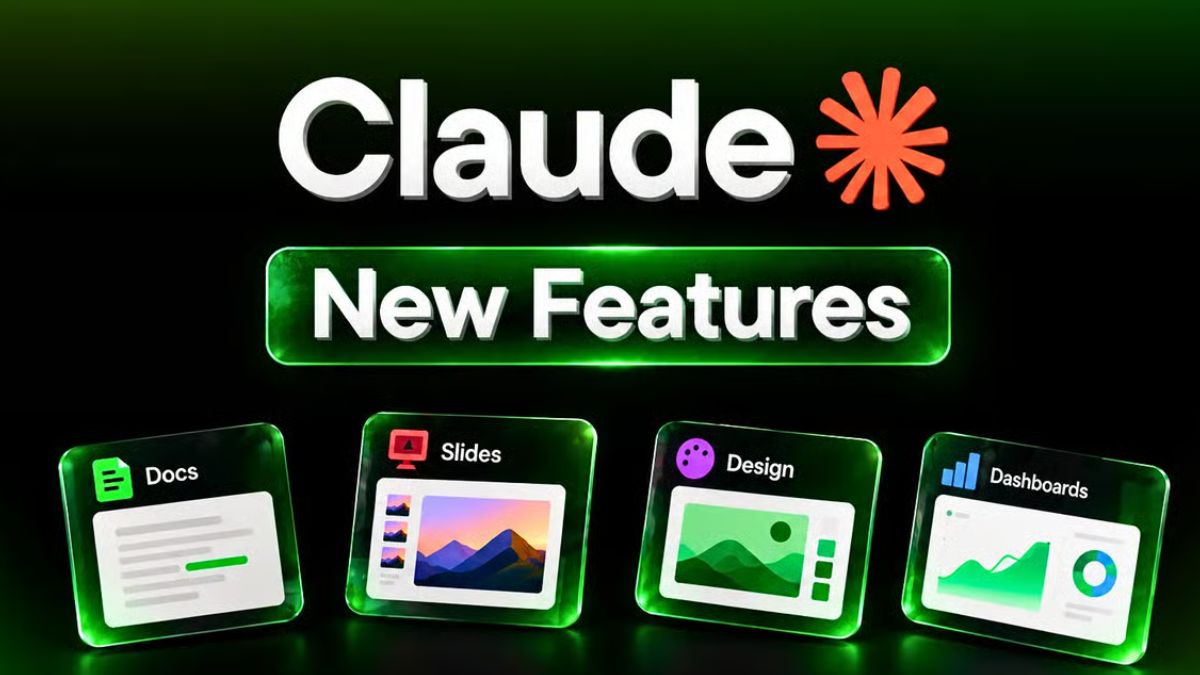
That’s why one recent Claude announcement made me sit up straight. Claude Docs, Slides, and Design are officially out of beta and available on every Claude plan, including Free. And alongside them, Anthropic introduced two new beta tools: Claude Dashboards for live data visuals and Claude Motion for animated explainers.
In this guide, I’ll explain what each tool does, who can use it, and how to turn them into a real time-saving system for your business, whether you’re a freelancer, a creator, or a small team.
What Just Changed
Anthropic’s announcement covered five “artifact” tools. Here’s who gets what:
- Claude Docs, Slides and Design: Out of beta and available on every plan, including Free.
- Claude Dashboards: In beta on paid plans.
- Claude Motion: In beta on Team and Enterprise plans.
For larger organizations, Enterprise admins control some of these settings, such as whether Dashboards and Motion are switched on. If you work at a company, check with your admin if a tool isn’t showing up.
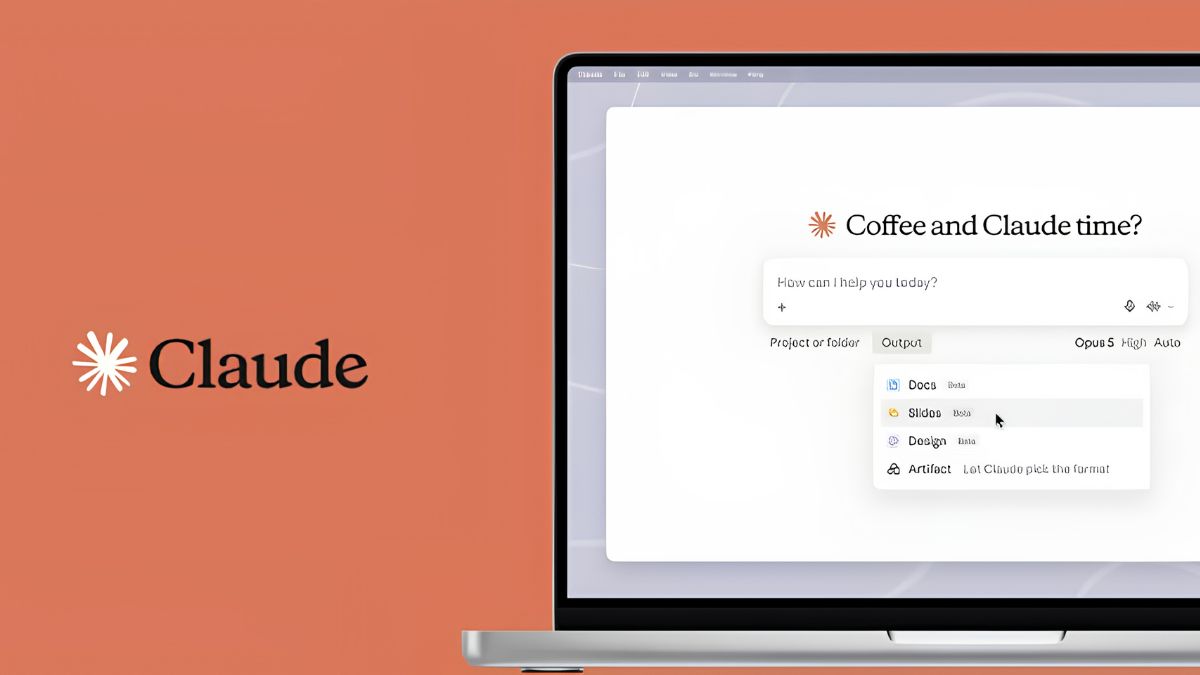
Another notable shift: Claude Design started life on its own separate site, but it now works inside every Claude conversation, where it can use your context, files, and connectors. Reports say the standalone design site is being phased out, so get used to creating inside regular Claude chats.

Claude Docs: Living Documents You Write With Claude
A Claude Doc isn’t just a block of text in a chat. It’s an editable document that you and Claude (and your team) can work on together. Anthropic says your team and Claude can edit the same doc, deck, design, or dashboard, and you can even make edits in the Claude mobile app.
Great uses for Claude Docs:
- Client proposals and scopes of work
- Blog post drafts and content briefs
- Standard operating procedures (SOPs) for your business
- Meeting notes turned into action plans
- Resumes, cover letters, and bios
- Simple contracts or templates to review with a lawyer
Try this prompt:
“Create a client proposal for a three-month social media management package. My ideal client is a local boutique owner. Include an overview, deliverables, timeline, pricing section with placeholders, and next steps. Keep the tone warm and professional.”
Pro tip: After the first draft, ask Claude to “tighten this to one page” or “rewrite in a friendlier voice.” Iterating is where the magic happens.
Claude Slides: Presentations From Your Notes
Claude Slides gives presentations their own starting point instead of squeezing a deck into a chat message. The newest model, Claude Sonnet 5.5, is especially good here. In Anthropic’s own testing, it followed a slide template to turn a company’s earnings materials into a 10-slide operating review that two experts judged ready to send as is.
Great uses for Claude Slides:
- Pitch decks and sales presentations
- Webinar and workshop slides
- Training decks for a team or client
- Monthly reports with key takeaways
- Course lesson outlines
Try this prompt:
“Turn these notes into a 10-slide workshop on ‘How to Price Your Services Confidently.’ One main idea per slide, a short speaker script under each, and a final slide with three action steps.”
Remember to export or share your deck when you’re done, and always check the final formatting before presenting.
Claude Design: Visuals Without a Design Degree
Claude Design helps create polished visual pieces such as mockups, graphics, one-pagers, and branded layouts. Because it now lives inside conversations, it can pull from the files and context you’ve already shared. Recent coverage also says Claude Design will stick to your brand guidelines instead of producing generic layouts, which is a big deal if you want consistent branding.
Great uses for Claude Design:
- Social media graphics and carousels
- One-page offers and flyers
- Landing page mockups
- Simple brand boards
- Lead magnet covers and templates
Try this prompt:
“Design a one-page lead magnet cover for ‘The 5-Step Content Planner.’ Use a warm, modern look with soft neutral colors and a clean serif headline. Give me three layout options.”
Claude Dashboards: Live Charts From Your Data (Beta)
Claude Dashboards connects to data platforms or CRM tools and builds dashboards that update as your data changes. Anthropic says each chart shows its underlying query and refresh time, so you can see how Claude produced it. Reports mention connections to tools like Salesforce, BigQuery, Snowflake, and Databricks.
If you’re a solo business owner without a big data stack, you may not need this yet. But if you track sales, leads, or ad performance in a connected platform, it’s worth testing.
Pro tip: Always check the source query and totals before sharing a dashboard in a board report or using it for a financial decision. AI can build charts quickly, but you are responsible for the numbers.
Claude Motion: Short Animated Explainers (Beta)
Claude Motion turns text, charts, shapes, and images into short animated explainers that you can edit and export as video. According to coverage of the launch, it builds animations with editable code, so it’s not a photorealistic video generator and it won’t create live-action footage or realistic people.
Great uses for Claude Motion:
- Animated chart explainers
- Product walkthroughs
- Short educational clips for social media
- Animated summaries of reports
This one is currently limited to Team and Enterprise plans, so many solopreneurs won’t have it yet.

Sharing and Collaboration
Some features that matter for real work:
- Edit with your team: Collaborators can work in the same doc, deck, design, or dashboard.
- Share beyond your team: You can share slides, designs, dashboards, and animations with people outside your organization, or with anyone who has the link, if your admin allows it.
- Mobile editing: Docs, decks, and designs can be edited in the Claude mobile app.
- Enterprise controls: Admins can choose templates for their organization, and artifacts support customer-managed encryption keys.
A Weekly Workflow You Can Steal
Here’s a simple routine that could save you hours:
- Monday: Paste your notes and ask Claude Docs for a weekly plan and priorities.
- Tuesday: Ask Claude to turn a client brief into a proposal in Claude Docs.
- Wednesday: Turn that proposal into a short pitch deck in Claude Slides.
- Thursday: Create social graphics or a lead magnet cover with Claude Design.
- Friday: Ask Claude for a one-page summary of the week’s results and next steps.
Common Mistakes to Avoid
- Publishing without reviewing. Always read, fact-check, and add your own voice and examples.
- Vague prompts. Tell Claude who the audience is, the goal, the length, and the tone.
- Uploading private information carelessly. Don’t paste sensitive client data unless you understand your plan’s privacy settings.
- Skipping the export check. Open your final file in the program you’ll use to present it.
- Expecting beta features everywhere. Dashboards and Motion depend on plan and admin settings.

Want to Turn These Tools Into Income?
Claude Docs, Slides, and Design are powerful, but the real advantage comes from having a repeatable system: what to ask, when to ask it, and how to turn outputs into products and client work. If you want a step-by-step playbook, check out my guide:

Trust me, a good system turns Claude from a fun tool into a real team member.
Final Thoughts
Having Docs, Slides, and Design on every plan, even Free, lowers the barrier for anyone who wants to create professional work faster. Start small: pick one task you do every week, build it with Claude, and compare it to your old way of doing it. If it saves you an hour, repeat it. Then add the next one. That’s how a handful of tools becomes a real advantage.









Leave a Reply