

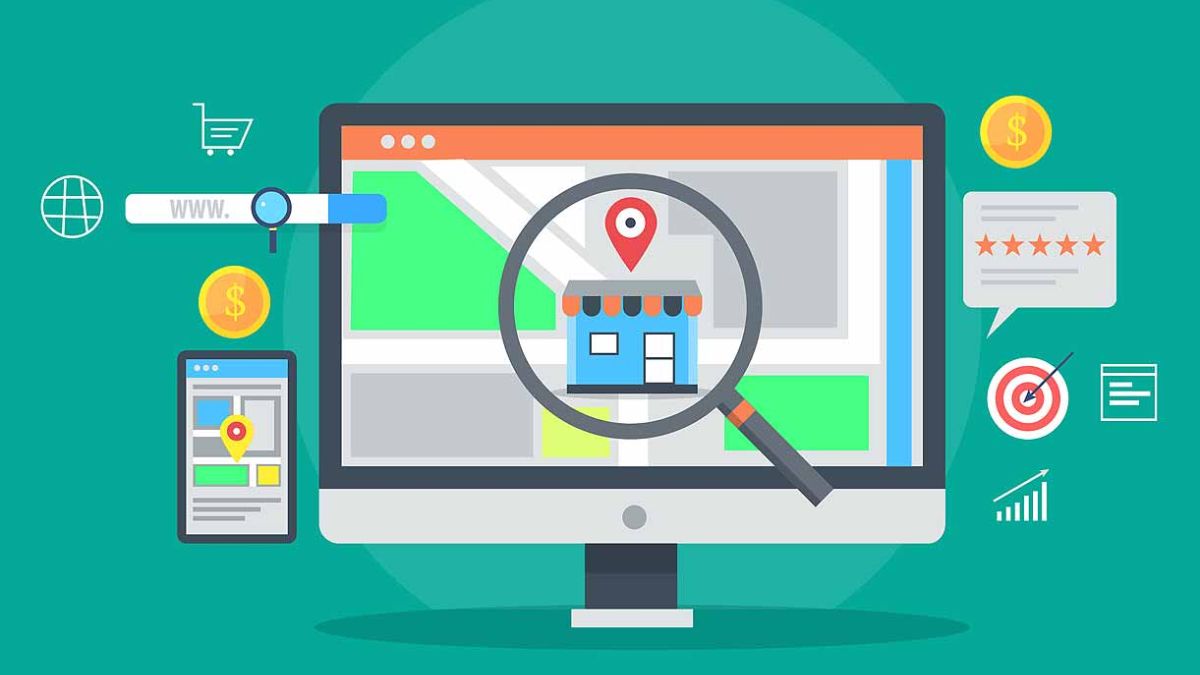
A friend of mine owns a small bakery, and one morning she called me in a panic. A customer had shown up asking about a “weekend special” that didn’t exist. After some digging, we found the cause: someone had suggested an edit to her Google Business Profile, and it had quietly gone live. She never saw the notification.
That story is more relevant than ever, because Google recently updated its documentation to say users can suggest edits to a business listing, and if the owner doesn’t respond within four days, Google may publish the change automatically. If you rely on local customers, your Google Business Profile is one of the most valuable free marketing tools you have, and it’s changing fast.
In this guide to local SEO in 2026, I’ll walk you through the newest Google Business Profile updates, other local discovery changes (including AI Mode and social maps), and a simple checklist you can follow this week.
Update 1: You Now Have 4 Days to Review Suggested Edits
According to reports on Google’s updated documentation, people can submit edits to a Business Profile even if they’re not connected to the business. Owners have about four days to accept or reject a suggestion. If nobody responds, Google may publish it automatically.
What to do:
- Turn on email and app notifications for your Business Profile.
- Assign one person to check suggestions every day or two.
- Review hours, phone number, address, website link, and categories monthly, even if you haven’t received alerts.
- Take screenshots of your correct information so you can compare quickly.
Update 2: Post View Counts Are Back
After more than three years, Google Business Profile posts are showing view counts again. Reports say you can see performance for posts from the last 18 months, covering updates, offers, and events, with aggregated views from both Google Search and Google Maps.
What to do:
- Post at least weekly: new offers, events, seasonal products, behind-the-scenes photos.
- Review which post types get the most views and make more of them.
- Add a clear call to action (call, book, order, visit).
Pro tip: Treat posts like mini-ads. One photo, one short message, one clear next step.
Update 3: Google Search Profiles for Brands and Creators
In mid-September, Google lowered the threshold for claiming a Search profile to 10,000 followers for U.S. brands, publishers, and creators with at least that many followers across YouTube, Instagram, X, or TikTok. Profiles can also support multiple accounts and offer a cleaner layout. A claimed profile gathers your social accounts, latest articles, and links in one verified place that can appear in your knowledge panel.
If you’re a creator or a brand with a national audience (not just local), check whether you qualify and claim yours.
Update 4: AI Mode Can Now Monitor Businesses for Shoppers
October industry reports said Google’s AI Mode lets users ask to be alerted when a business’s prices, stock, or opening hours change. That makes accurate, consistent information even more important. If your website says one thing and your listing says another, you may lose trust (and customers).
What to do:
- Keep your website, Business Profile, and social profiles consistent: same name, address, phone, hours.
- Update special hours for holidays early.
- If you sell products, keep prices and availability accurate everywhere you list them.
Update 5: Better Local Inventory Tools for Retailers
Google Merchant Center introduced a new store address attribute for local inventory feeds. It gives a more direct way to match in-store products to a specific location, reducing the mismatches that sometimes block listings. If you have a physical store and use local inventory ads or free local listings, add the new attribute and double-check that addresses match your Business Profile exactly.
Google Ads also announced local-focused tools this fall, including a Local Customer Optimization toggle in Performance Max (to prioritize reaching customers across Maps, Waze, and local Search) and a way to share in-store sales data to help optimize ads toward your best walk-in customers. And some advertisers have spotted a bigger Local Services Ads format in testing, so fresh photos and highlights could matter more.
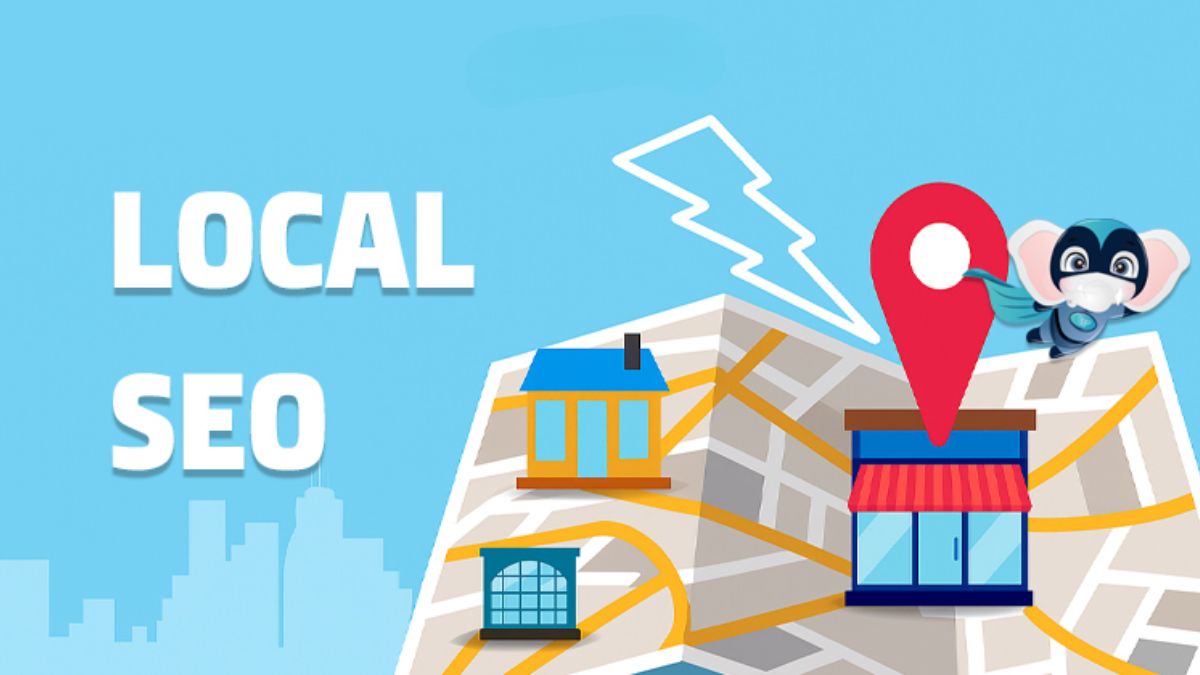
Update 6: Social Maps Are a New Discovery Channel
Local discovery isn’t only happening on Google. A Snapchat report found that:
- About 70% of users enjoy browsing maps with no destination in mind.
- About 68% send interesting places and events to others.
- About 71% are open to visiting places they’ve seen as a sponsored pin.
- Snap’s Promoted Places were reported to be 1.1x more likely to encourage store visits.
That’s Snapchat’s own research, but the idea is useful: people are using maps to browse and decide. Make sure your listings on Google Maps, Apple Maps, and other platforms are complete, with photos, hours, and accurate categories.
Your Local SEO Checklist for This Week
- Turn on Business Profile notifications and check pending edits
- Confirm name, address, phone number, hours, website link, and categories
- Add holiday hours and seasonal offers
- Upload at least five fresh photos (storefront, team, products, interior)
- Publish one Business Profile post and add a call to action
- Ask three recent customers for honest reviews
- Reply to every review, good or bad, politely and quickly
- Make sure your website’s contact page matches your listing exactly
- Add your products or services with clear descriptions
- Add the store address attribute if you use local inventory feeds

How to Handle Reviews Like a Pro
Reviews influence both rankings and trust. Here’s my simple approach:
- Ask at the right moment. After a happy interaction, share a short link to leave a review.
- Reply to everyone. Thank positive reviewers by name, and respond calmly to negative ones with a fix or an offer to talk offline.
- Never fake reviews. It violates platform rules and destroys trust.
- Use review themes. If several people praise the same thing, feature it in your marketing.
Build a Local Marketing System That Lasts
Local SEO works best alongside email, social media, and a clear offer. If you want a complete step-by-step framework for turning local visibility into steady customers, you’ll love my guide:
The Digital Marketing Playbook
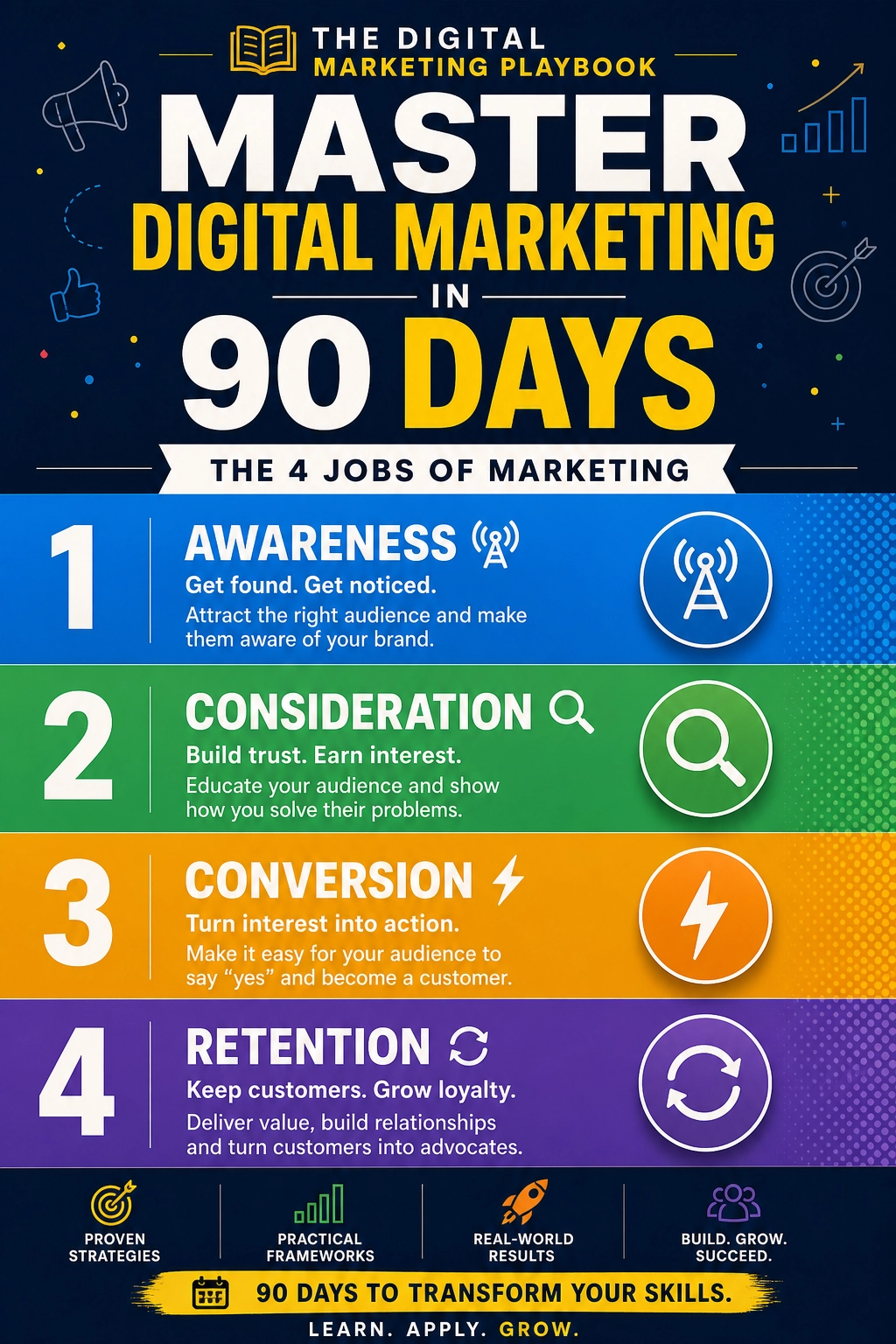
I wish I’d had it when I first helped small business owners get found online.
Final Thoughts
Your Google Business Profile is like a digital storefront, and it needs regular attention. Watch for suggested edits, post weekly, keep your information consistent, and build a steady stream of honest reviews. With AI search and social maps changing how people discover local businesses, accuracy and freshness are your best advantages. Spend 30 minutes this week on your checklist, and your future customers will thank you.








Leave a Reply