

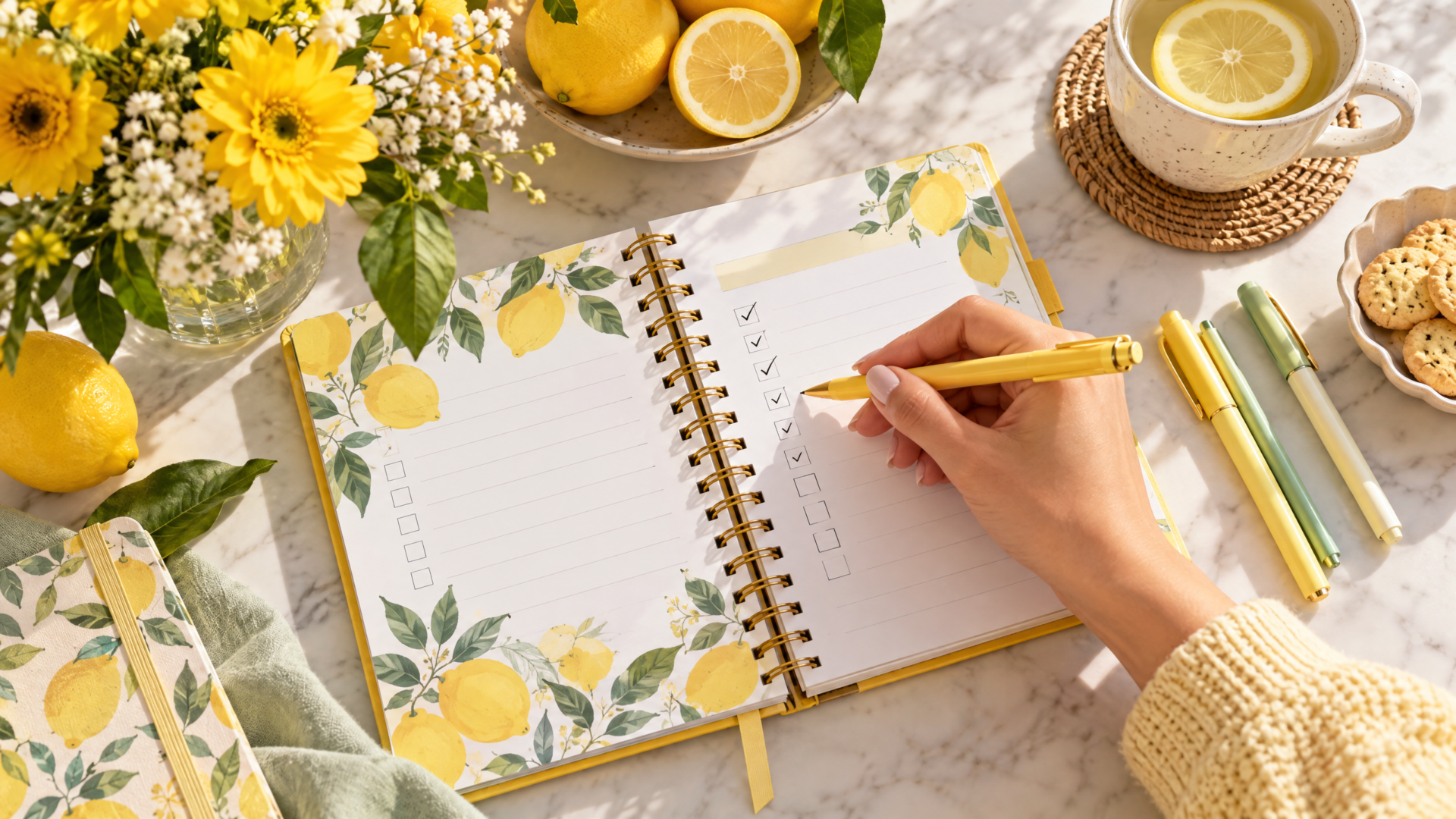
I used to be the person with three half-filled planners and a stack of sticky notes that never got checked off. The turning point for me wasn’t more discipline—it was design. Changing how my planner looked, felt, and nudged me made the difference. If you want to make a planner habit stick, the secret lives in color, theme, and tiny behavior-design moves that reduce friction and boost delight.
Below I’ll walk you through why visual design matters, concrete ways to set up a planner that calls you back every day, and practical prompts you can copy right now—plus how to personalize a bright, cheerful Lemon Fruits Summer Daily Planner to lock the habit in. This isn’t about perfection; it’s about predictable, repeatable wins.
Why color and theme matter for habits
- Visual cues trigger action. Your brain responds faster to color than to bland text. A consistent color or motif becomes a mental shortcut: see lemon yellow, think “plan time.”
- Theme creates emotional hooks. A theme that makes you smile or reflects your personality increases the chance you’ll return to the planner.
- Reduced decision fatigue. When color and layout tell you exactly what to do next, you waste less willpower deciding where to start.
Think of your planner like a well-designed app: attractive, intuitive, and rewarding. It should pull you in, not push you into another chore.
Choose a single theme and stick with it
Too many planners try to be everything for everyone. Pick one coherent theme (seasonal, floral, minimalist, pastel, citrusy) and use it everywhere: cover, headers, stickers, even your phone lock screen wallpaper. Theme consistency builds recognition. When your brain learns that this visual package equals planning time, you’ll form a faster habit loop.
Example themes and emotional tones
- Lemon/summer (cheery, energizing) — great for people who plan better when they feel uplifted.
- Soft pastels (calm, focused) — good if planning stresses you out.
- Bold monochrome (efficient, no-nonsense) — for the “get it done” energy.
- Botanical (grounding, patient) — helpful if you want to slow down and reflect.
How to use color coding that actually works
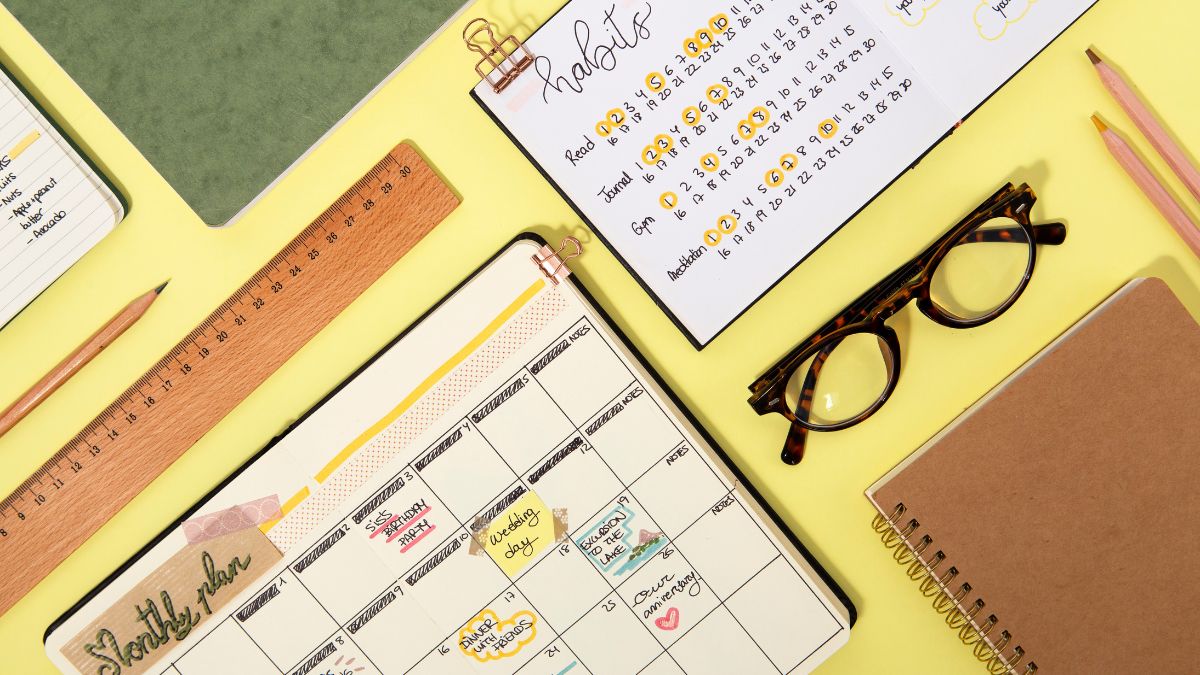
Color coding can help or hurt. Too many colors become noise. Keep color systems simple and consistent.
A practical three-color system
- Primary color (action): the color you use for today’s top priorities. Example: lemon yellow for must-do items.
- Secondary color (time/blocks): a contrasting color for calendar blocks or time estimates. Example: soft teal for meeting blocks.
- Tertiary color (notes/ideas): a muted color for long-term notes or ideas. Example: light gray or pale green.
Tips:
- Use high-contrast color for urgent items so they pop.
- Limit to 3–4 colors total. If you need subcategories, use shapes (dots, triangles) instead of more colors.
- Stick to the same colors across weekly and daily spreads to reduce confusion.
Design the layout to reduce friction
Friction kills habits. If opening your planner leads to a blank page and decision paralysis, you’ll stop opening it. Design your daily spread to prescribe the next obvious step.
A friction-low daily layout example:
- Morning micro-routine (1–2 lines): quick prompt like “Today’s focus” with a checkbox. Keeps you from staring at an empty page.
- Top 3 priorities section (three prominent slots, numbered or colored).
- Time-block column (optional): small hourly blocks for high-level scheduling.
- Contextual prompts: “Meals,” “Movement,” “Wins”—short, emotionally positive prompts that are easy to fill.
- End-of-day 2-line reflection: “What worked?” + “One small win” to reinforce the habit.
The Lemon Fruits planner’s bright theme works perfectly for this: the cheerful colors make priorities feel lighter and the design invites quick check-ins instead of long journaling sessions.
Make the visuals rewarding
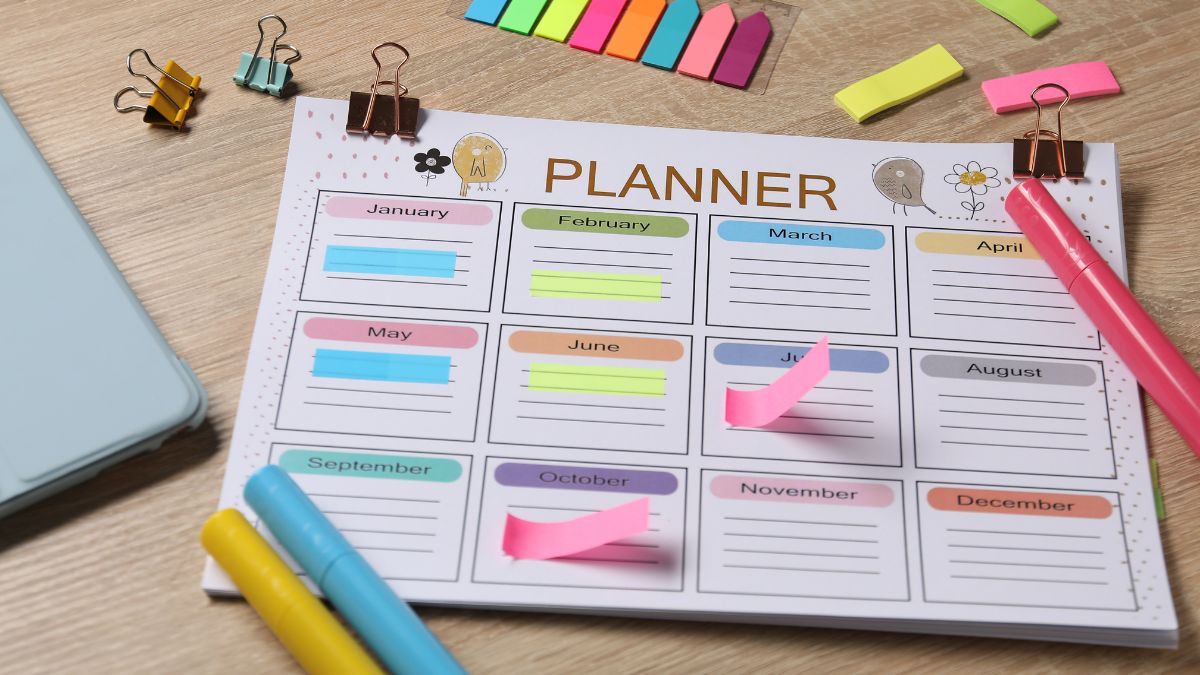
A planner that feels rewarding creates positive feedback loops. Reward doesn’t have to be elaborate: a satisfying checkbox, a sticker, or a colored highlighter strike-through can be enough.
Ideas:
- Use a gold or bright marker to mark completed top priorities.
- Reserve a fun sticker for when you finish all three priorities—only use it then.
- Add a little progress bar (color in a lemon wedge) for the day’s hydration, exercise, or focus sessions.
Behavioral trick: make the first action tiny
If you want to make a planner habit stick, start micro. Your first step should take less than 30 seconds. Example micro-actions:
- Open the planner and write the single biggest thing to finish today.
- Circle the top priority in yellow.
- Check a pre-filled “Today” box.
Once you complete that tiny action, momentum makes you more likely to do another. Over time, those micro-actions turn into a multi-minute ritual.
Use thematic anchors across contexts
Bring the theme beyond paper. When your planner matches other cues in your environment, habit formation speeds up.
Examples:
- Phone wallpaper with the same lemon pattern.
- Desktop background or browser tab with the theme color.
- A physical object on your desk (a small lemon trinket) that prompts you to open the planner.
Anchoring the planner ritual to existing habits is powerful. Pair planning with coffee, with the first email check, or with a 10-minute morning stretch. Make the pairing pleasurable and consistent.
Customize prompts for your life (don’t copy a generic layout)
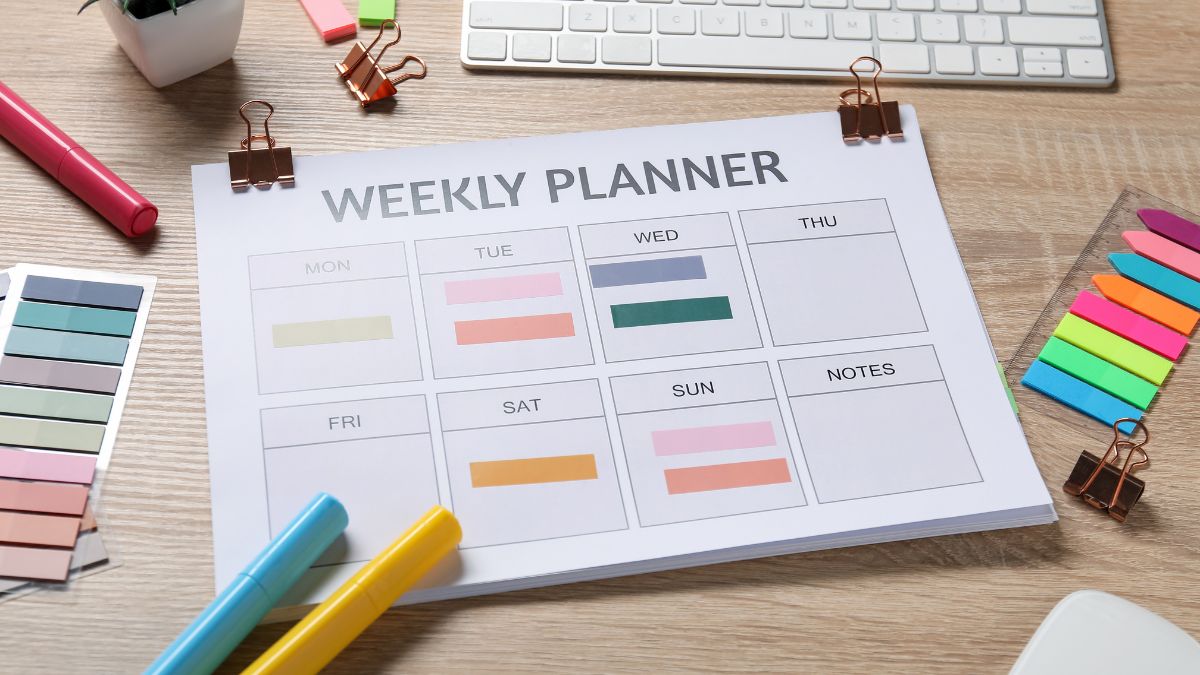
The most-used planners are the ones that actually match your life. That means customizing prompts to the rhythms you have—not the ones you wish you had.
Customization examples:
- If your work is creative: add a “Creative Spark” box for ideas and a “Minimize” box for distractions to avoid.
- If you have irregular hours: use time-block segments titled “Deep Work,” “Admin,” “People” instead of strict hours.
- If you parent small kids: have a “Most Important: Child” slot (e.g., drop-off, practice) so family logistics aren’t an afterthought.
The Lemon Fruits Summer Daily Planner is editable in Canva, which makes tweaking these prompts easy. You can rename sections, change icons, and swap colors so the theme stays, but the structure becomes yours.
Make review small and emotional
A weekly review habit helps cement planning momentum. Keep it short and focused on emotions and wins rather than long spreadsheets.
A 10-minute Friday reset:
- 2 minutes: highlight 3 best wins.
- 3 minutes: set one focus for next week.
- 2 minutes: move unfinished priorities into next week (don’t re-evaluate—just move).
- 3 minutes: decorate the week’s cover with a themed sticker or color so it feels “claimed.”
Decorating reviews with your theme (a lemon banner for wins) turns admin into a mini-ceremony. That emotional layer increases consistency.
Practical daily routine you can copy (3–5 minutes)
Morning (1–2 minutes)
- Open your Lemon Fruits planner (visual cue).
- Circle the top 3 priorities in yellow.
- Time-block one deep work slot.
Midday (optional, 30–60 seconds)
- Quick check: mark items done, move one thing if overwhelmed.
Evening (1–2 minutes)
- Journal one small win in the “Wins” area.
- Sticker or color in progress bar.
- Add one priority for tomorrow.
These tiny, repeatable steps are far more effective than a single 30-minute planning session once in a while.
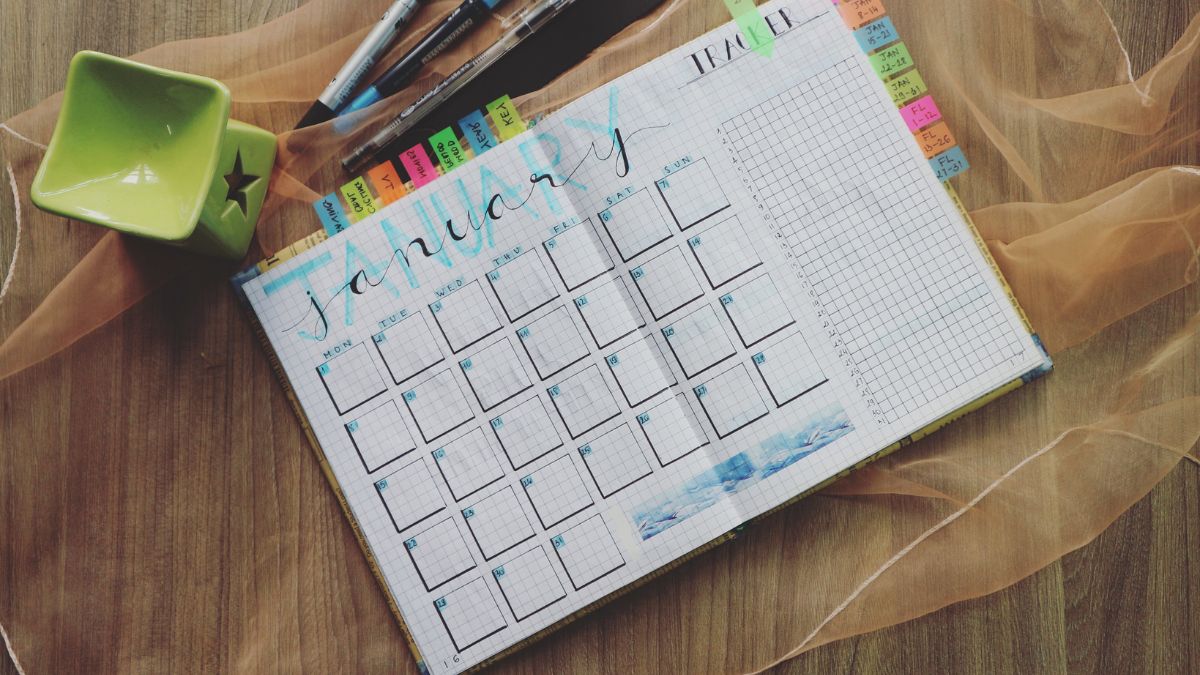
Use consistency rituals to ward off perfectionism
Perfectionism often looks like endless tweaking. Banish it with rules that prioritize consistency over beauty.
Example rules:
- Rule 1: No more than 3 adjustments to layout per month.
- Rule 2: If a day is missed, put a small “X” and move on—no judgment.
- Rule 3: Reserve decorative stickers for weeks with at least 3 completed top priorities.
These constraints turn design into a tool rather than a rabbit hole.
How to personalize the Lemon Fruits Summer Daily Planner
The Lemon Fruits Summer Daily Planner is bright, cheerful, and editable in Canva—perfect for building a habit through design. Here’s a practical customization checklist.
Customization checklist
- Set your three-theme colors: lemon yellow (primary), soft teal (secondary), pale gray (accent).
- Rename headers: swap “Notes” for “Creative Spark” or “Quick Wins” to match your needs.
- Add a tiny “Today’s Focus” checkbox at the top—make it bold and yellow.
- Create a weekly color banner: color one strip per week in lemon to visually differentiate weeks.
- Insert a reusable sticker element (Canva) that you place on “complete” days.
- Export a phone wallpaper with the same lemon motif to anchor your planning habit.
Step-by-step Canva tweak for beginners
- Open the Lemon Fruits template link and duplicate it.
- Click the header text and rename it to “Today’s Focus.”
- Use the color picker to set the top-priority boxes to your primary color.
- Drag a lemon icon into the corner to act as your “done” checkbox (you can duplicate it).
- Save as PDF or PNG, and set one as your phone lock screen to create cross-device anchors.

A short disclosure: the planner is a purchasable shop item; find it here: Lemon Fruits Summer Daily Planner / Editable Canva Template.
Measure only what matters
You don’t need a spreadsheet for habit progress. Track one simple signal for a month:
- Days you opened the planner (count with check marks).
- Completed top priorities per week.
- Small emotional score (1–5) for how purposeful the day felt.
At the end of four weeks, look for trends, not perfection. If you opened the planner more often and felt slightly better about your days, the design worked.
Troubleshooting: why planning fizzles and what to do
Problem: You love the look, but you open it and walk away.
Fix: Make the first action even smaller—just circle the top priority. Add a 10-second timer: commit to 10 seconds at the planner, then reassess.
Problem: The colors feel distracting or juvenile.
Fix: Tone down saturation; choose muted versions of the same palette. Keep the same contrast for priority boxes so legibility stays strong.
Problem: You forget to bring the planner to your desk.
Fix: Create a physical anchor—place the planner on top of your laptop bag or hang a post-it on your monitor with a lemon sticker.
Final thoughts: design for delight, consistency, and tiny wins
Making a planner habit stick isn’t about willpower; it’s about shaping your environment so choosing the planner feels like the easiest, most pleasant option. Use color as a cue, theme as an emotional anchor, and layout as a friction-minimizer. Start micro, make one small tweak today, and give it gentle momentum.

If you want a bright, editable starting point that’s designed to invite daily check-ins, the Lemon Fruits Summer Daily Planner is a cheery canvas you can personalize in minutes: Lemon Fruits Summer Daily Planner / Editable Canva Template.










Leave a Reply