


Here’s a confession: my first digital product took me almost three months to finish. Three months of staring at a blank document, rewriting the same intro eleven times, and telling myself I’d “start the real work next week.” By the time I finally hit publish, I was more exhausted than excited.
Fast forward to today, and the process looks completely different. When I started working with an AI assistant, I stopped fighting the blank page. I could outline a product in an afternoon, draft chapters in a few focused sessions, and spend my energy where it matters most: adding my own stories, checking the facts, and making the product genuinely useful. Game-changer doesn’t even cover it.
If you’ve been wanting to sell digital products but keep stalling at “I don’t know where to start” or “I don’t have time to write all that,” this guide is for you. Digital products like ebooks, templates, planners, prompt packs, and mini-courses are some of the most beginner-friendly ways to earn online, because you create them once and can sell them again and again.
In this comprehensive guide, I’ll walk you through how to use Claude to create digital products and sell them in 2026. You’ll learn how to find a profitable idea, build an outline, write with a repeatable prompt framework, design your product, craft a sales page, list it on Gumroad, and launch without a huge audience. I’ll also share the quality checks that keep your work original and trustworthy.
Why Digital Products Are a Smart Business Model
Before we jump into the how, let me explain why I keep coming back to digital products.
- Low startup costs: You don’t need inventory, shipping, or a warehouse. A laptop and a few tools are enough.
- Scalable income: Whether you sell one copy or one hundred, the product is already made. Your time doesn’t multiply with your sales.
- Instant delivery: Platforms deliver files automatically, so customers get what they bought even while you’re asleep.
- High margins: With no manufacturing costs, you keep most of each sale after platform and payment fees.
- Flexible lifestyle: You can build around a full-time job, kids, or travel.
The catch? Digital products still need quality, a clear audience, and marketing. They aren’t magic “set it and forget it” money. But with the right workflow, they’re one of the most accessible ways to start a real online business.

What Claude Can (and Can’t) Do for Your Product
Let me be clear about where an AI assistant shines, because understanding this saves you from big mistakes.
Where Claude helps most:
- Brainstorming ideas: Product concepts, titles, and angles for a specific audience.
- Building outlines: Turning a rough idea into a logical chapter or lesson structure.
- Drafting content: Producing first versions of sections, checklists, scripts, and templates.
- Editing and improving: Tightening your writing, simplifying complicated passages, and offering alternatives.
- Marketing copy: Sales page headlines, benefit bullets, email sequences, and social posts.
Where you must lead:
- Your expertise and stories. The personal examples and hard-won lessons make your product worth buying.
- Fact-checking. AI can state wrong information confidently, so always verify numbers, claims, and anything sensitive.
- Voice and taste. Your audience should feel like you wrote it.
- Legal and platform rules. You’re responsible for what you publish, including originality and compliance with the rules of the platforms you use.
Pro tip: Think of AI as a talented assistant who works at lightning speed but doesn’t know your customers like you do. You’re the editor-in-chief.
Step 1: Find a Profitable Product Idea
Many beginners pick a topic they like and hope people buy. Smarter creators start with demand. Here’s how I use Claude to explore ideas, then test them with real people.
A prompt I like to start with:
“I want to create a digital product for [specific audience]. They struggle with [problem]. Suggest 15 product ideas in different formats (ebook, template, checklist, prompt pack, mini-course), and for each one explain the problem it solves and who would pay for it.”
Then narrow with these checks:
- Is the problem specific? “Meal planning for busy moms with picky eaters” beats “healthy eating.”
- Is it urgent or valuable? People pay to save time, make money, reduce stress, or avoid mistakes.
- Do similar products exist? Competition proves demand. Look at reviews to see what buyers wish was better.
- Can I deliver it well? Pick something you know or can credibly research and test.
- Is the format right? Templates and checklists sell for quick wins. Ebooks and mini-courses suit deeper transformations.
Before building, get a reality check from humans. Ask your audience in a poll, scan Facebook groups and Pinterest searches for the questions people keep asking, and note their exact wording. Those phrases make great titles and sales copy later.

Step 2: Build a Strong Outline
A great outline is half your product. When I skip this step, my drafts ramble. When I invest an hour here, everything flows.
Give Claude clear context and ask for structure:
“Create a detailed outline for a [format] titled ‘[working title]’ for [audience]. The goal is to help them [specific result]. Include 8 to 10 sections, a short description of each, and one practical exercise or checklist per section.”
Then do the human work:
- Cut anything that doesn’t serve the result. Fluff makes products feel cheap.
- Reorder for momentum. Early sections should deliver a quick win so buyers feel progress.
- Add your unique angle. Where can you bring in your experience, case studies, or mistakes?
- Name the transformation. Write one sentence: “After using this, my customer will be able to ______.”
Step 3: Draft With a Repeatable Prompt Framework
The secret to good AI output is good input. Vague prompts create generic results. Here’s the simple framework I use for nearly every section, which I call R-A-T-E:
- R: Role. Tell Claude who it should act as (for example, a friendly business coach).
- A: Audience. Describe exactly who the content is for and their experience level.
- T: Task. Spell out what you want, including length, structure, and tone.
- E: Examples. Share a sample of your writing or details you want included.
Example prompt:
“Act as a warm, practical business coach. Write the section ‘How to price your first digital product’ for beginner female entrepreneurs with no audience. Use a conversational tone, include a three-step process and one real-world example, and keep it under 500 words. Here’s a sample of my writing style: [paste a paragraph].”
After you get a draft, don’t just paste it in. Follow this editing routine:
- Read it aloud. If it doesn’t sound like you, rewrite those lines.
- Add your stories. Insert one personal example or lesson per section.
- Fact-check everything. Verify any numbers, tool features, or claims before publishing.
- Trim repetition. AI tends to repeat itself, so tighten wherever you can.
- Check for usefulness. Every section should leave the reader with something they can do.
Keep a “prompt library” document with the prompts that work best for you. Reusing proven prompts makes each new product faster than the last.

Step 4: Design and Package Your Product
A useful product that looks messy won’t earn trust. Fortunately, good design is easier than ever.
- Use Canva (free or Pro) for ebook layouts, workbooks, and covers. I upgraded to Canva Pro ($119/year) once income justified it, and I use it for about 90% of my designs.
- Keep formatting consistent. Choose two fonts and a small color palette, and stick to them.
- Make it skimmable. Use clear headings, short paragraphs, and checklists.
- Add interactive touches. Fillable worksheets, checklists, or swipe files add perceived value.
- Create a professional cover. People do judge products by their covers, so make yours clear and readable at thumbnail size.
- Export as PDF for ebooks and workbooks so they look the same on any device.
If you include templates, test them yourself from start to finish, as if you were a brand-new customer.
Step 5: Write a Sales Page That Converts
Your product might be brilliant, but if the sales page is confusing, nobody will buy. Here’s a proven structure.
- Headline: State the result your customer wants.
- Problem: Show you understand their frustration.
- Solution: Introduce your product as the clear path forward.
- What’s inside: List chapters, templates, or bonuses with benefits, not just features.
- Who it’s for (and not for): Honest positioning builds trust.
- Proof: Testimonials, results, or a short story about why you made it.
- Guarantee: A fair refund policy reduces risk for new buyers.
- Call to action: Tell people exactly what to do next.
Use Claude to generate five headline options and ten benefit bullets, then pick the ones that sound most human. A good test is whether you’d say it out loud to a friend.
“Write 10 headline options for a digital product that helps [audience] achieve [result] without [common obstacle]. Use clear, benefit-driven language, no hype, and no unrealistic promises.”
Important: Avoid promising guaranteed income or results you can’t back up. Honest marketing keeps you out of trouble and keeps customers coming back.
Step 6: List and Sell Your Product on Gumroad
Gumroad is one of the most beginner-friendly places to sell digital products, because it handles payments and file delivery for you. Here’s the setup:
- Create your account and connect your payout method.
- Add a new product and upload your file.
- Write a clear title and description based on your sales page.
- Upload a cover image and any preview pages.
- Choose your price. Study similar products, then price based on the value of the result.
- Add a short, friendly thank-you message with next steps or a bonus link.
- Test the purchase flow yourself so you know the customer experience.
Remember that platforms charge fees and have their own rules, so read the current terms before you launch.

Step 7: Launch Without a Big Audience
You don’t need 10,000 followers to make your first sales. You need a few interested people and a consistent plan.
- Tell your warm network. Friends, past coworkers, and community members often become your first buyers.
- Share your process. Post behind-the-scenes updates about building your product.
- Offer a launch price. A limited-time discount creates healthy urgency.
- Build an email list. Offer a free checklist or mini-guide in exchange for an email address, then invite subscribers to your product.
- Use Pinterest and SEO content. Evergreen traffic keeps working for months after you post.
- Ask for feedback and reviews. Early testimonials are gold for future buyers.
Use Claude to write a five-email launch sequence: announcement, problem story, product walkthrough, testimonial or FAQ, and a final reminder. Edit each one so it sounds like you, and send them to your list over a week.
Common Mistakes to Avoid
I’ve made several of these myself, and I want you to dodge them.
- Publishing raw AI output. It reads generic and can include errors. Always edit.
- Choosing a vague audience. “Everyone” is not a market.
- Making the product too long. Customers want results, not page counts.
- Skipping the refund and support details. Clear policies prevent headaches.
- Launching once and disappearing. Keep promoting weekly.
- Copying other creators. Use competitors for research, not for content. Originality protects your reputation.
Your Shortcut: Three Ebooks to Help You Build Faster
I won’t pretend you can’t learn all of this on your own. I did, and it took far longer than it should have because I kept learning things in the wrong order. If you’d like a proven roadmap, these three ebooks are where I’d start.
1. The Claude Advantage This is the guide built for exactly what we covered today. It teaches you how to use Claude to build prompt packs, template bundles, mini-courses, and ebooks, taking you from concept to Gumroad listing, with bonus resources like a prompt collection and income blueprints. If you only grab one ebook from this list, make it this one.

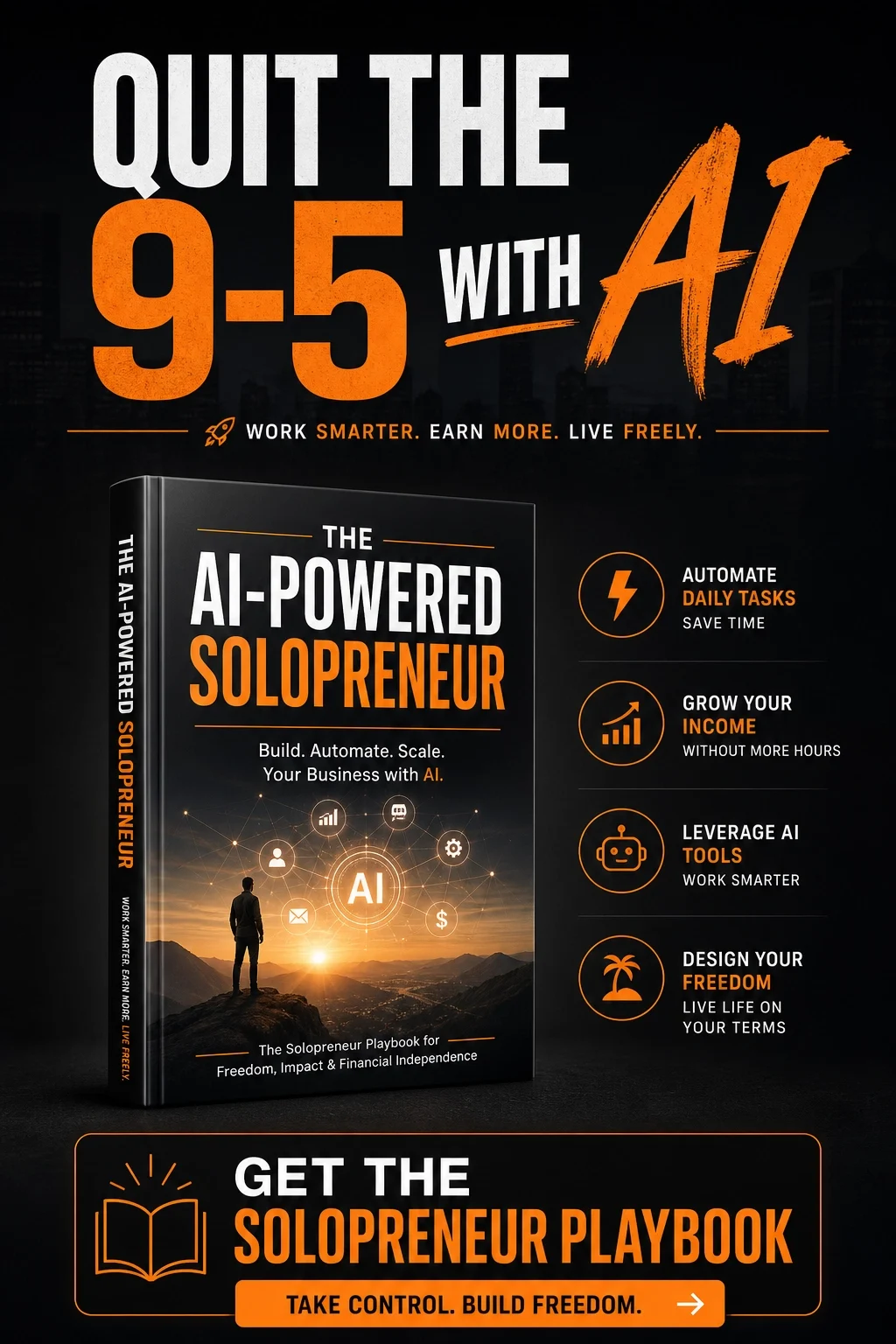
2. The AI-Powered Solopreneur Once you’ve built a product, you need a business around it. This ebook shows how to run a lean one-person business with AI doing the heavy lifting so you can focus on growth.
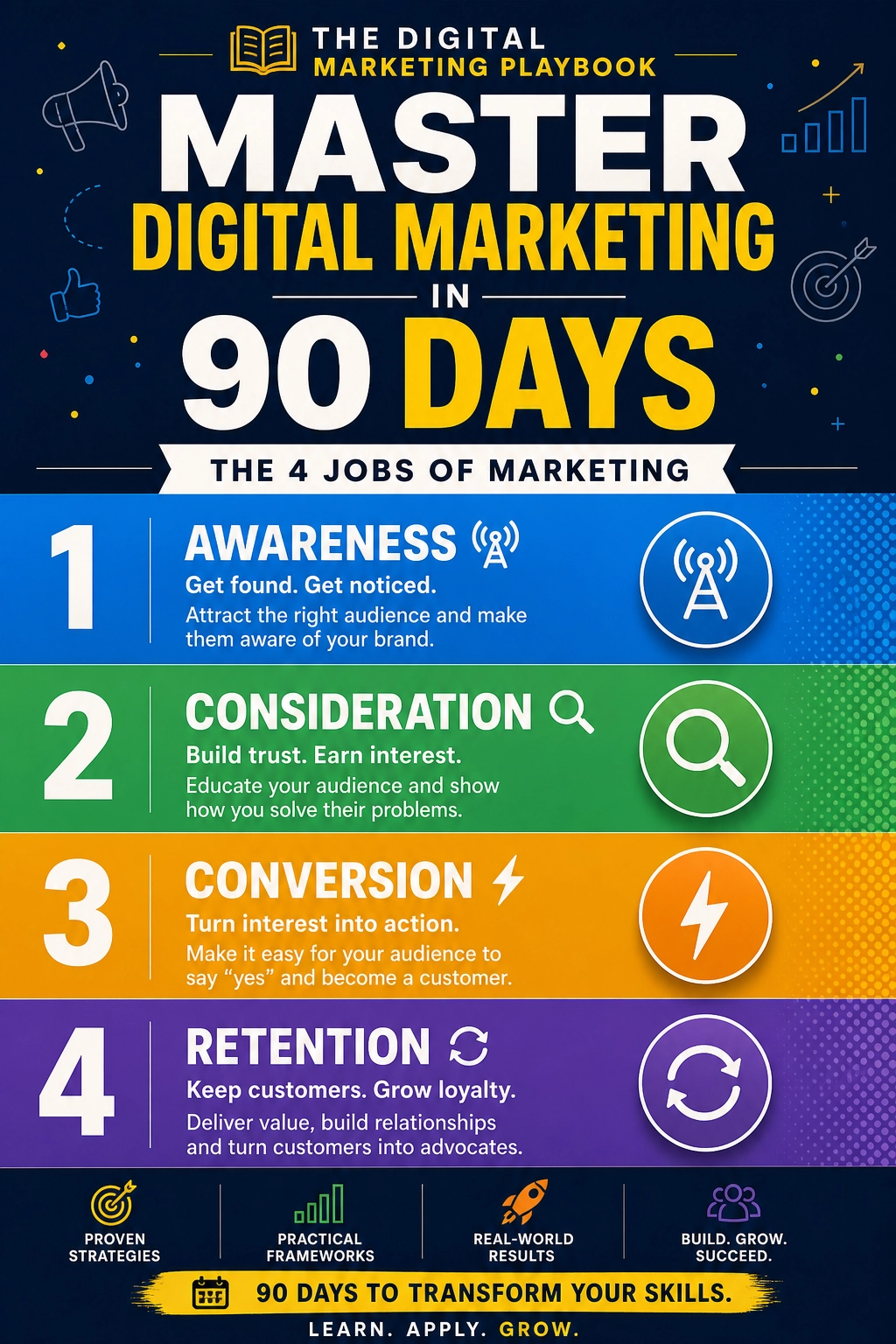
3. The Digital Marketing Playbook Creating the product is step one, selling it is step two. This playbook covers SEO, content, social media, email, paid ads, and AI, so your digital products actually reach buyers.
Trust me on this: spending a little on a clear roadmap beats spending months guessing. All three are instant-download ebooks you can read on your phone or laptop today. Pick the one that matches your biggest challenge right now and start tonight, while your motivation is high.
Your First Digital Product Is Closer Than You Think
Using Claude to create digital products isn’t about taking shortcuts. It’s about removing the friction that keeps good ideas stuck in your head. You bring the expertise, the stories, and the care for your customers. AI helps you move faster from idea to outline to finished product to launch.
This week, choose your audience and use the idea prompt to brainstorm. Build your outline, draft one section using the R-A-T-E framework, and edit it until it sounds like you. Then grab a guide that walks you through the whole process so you’re never staring at that blank page alone again.
Your first product won’t be perfect, and that’s fine. It will be real, and real beats perfect every single time. Go make something, Lady Boss.










Leave a Reply