


Here’s a statistic that should make every small business owner pause: most customers research a business online before ever calling, visiting, or buying. If your business doesn’t show up, or shows up looking outdated and unprofessional, you’re losing customers to competitors before you even get a chance to compete.
A well-built small business website isn’t a luxury anymore. It’s your digital storefront, working around the clock to answer questions, build trust, and turn curious visitors into paying customers, even while you’re busy running the actual business.
The good news is that you don’t need a big marketing budget or a background in tech to build one. In this guide, I’ll walk you through exactly how to build a small business website that looks professional, ranks in local searches, and, most importantly, brings in customers.
Why Every Small Business Needs a Website
You might be thinking, “I already have a Facebook page, isn’t that enough?” Here’s why a dedicated website matters, even alongside social media:
- Credibility. A professional website signals that you’re an established, trustworthy business.
- Control. You’re not at the mercy of a platform’s algorithm or policy changes.
- Search visibility. People searching “plumber near me” or “best bakery in [city]” find businesses through Google, and a website is essential for showing up there.
- 24/7 availability. Your website answers questions and takes bookings even outside business hours.
- Better conversions. A focused website, built to convert, often outperforms a social profile at turning visitors into customers.
- A home base for all your marketing. Every ad, flyer, and social post can point back to one central hub.
Whether you run a local service business, a shop, a restaurant, a salon, a consultancy, or a small agency, the fundamentals below apply to you.

Step 1: Clarify Your Website’s Goal
Before touching any design or technology, get clear on what you want your website to accomplish. Common goals include:
- Generating phone calls or booking requests
- Selling products directly online
- Building an email list of potential customers
- Showcasing your work and building trust
- Providing essential information like hours, location, and services
Your goal shapes every decision that follows, from your homepage layout to your call-to-action buttons. Write your main goal down in one sentence before you start building.

Step 2: Choose a Business-Appropriate Domain Name
Your domain should be simple, memorable, and closely tied to your business name. When possible, register yourbusinessname.com.
Tips for choosing well:
- Keep it short and easy to say out loud.
- Avoid hyphens, numbers, and hard-to-spell words.
- If your exact business name is taken, consider adding your city or a simple descriptor (for example, “smithplumbingaustin.com”).
- Make sure it matches your business name on Google Business Profile and social media for consistency.
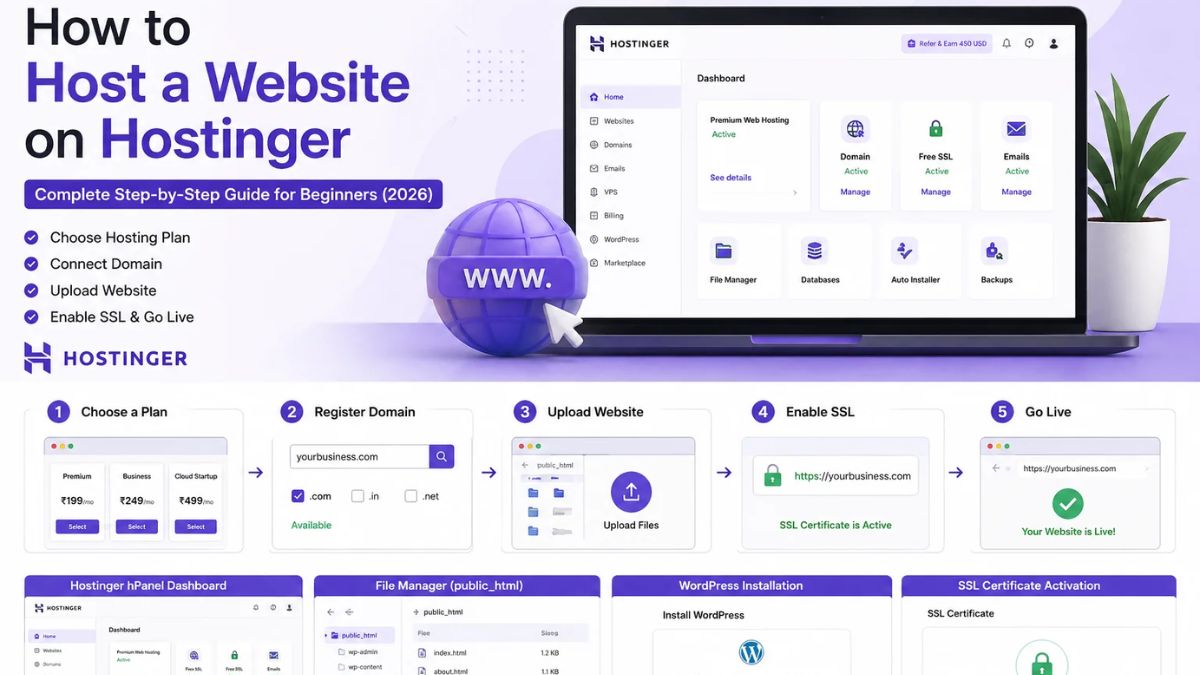
Many hosting providers include a free domain for the first year on eligible plans, letting you handle your domain and hosting together in one simple step.
Step 3: Choose Hosting Built for Business Reliability
For a small business, downtime or slow loading isn’t just inconvenient, it can mean a lost customer who calls your competitor instead. Your hosting needs to be fast, secure, and dependable.
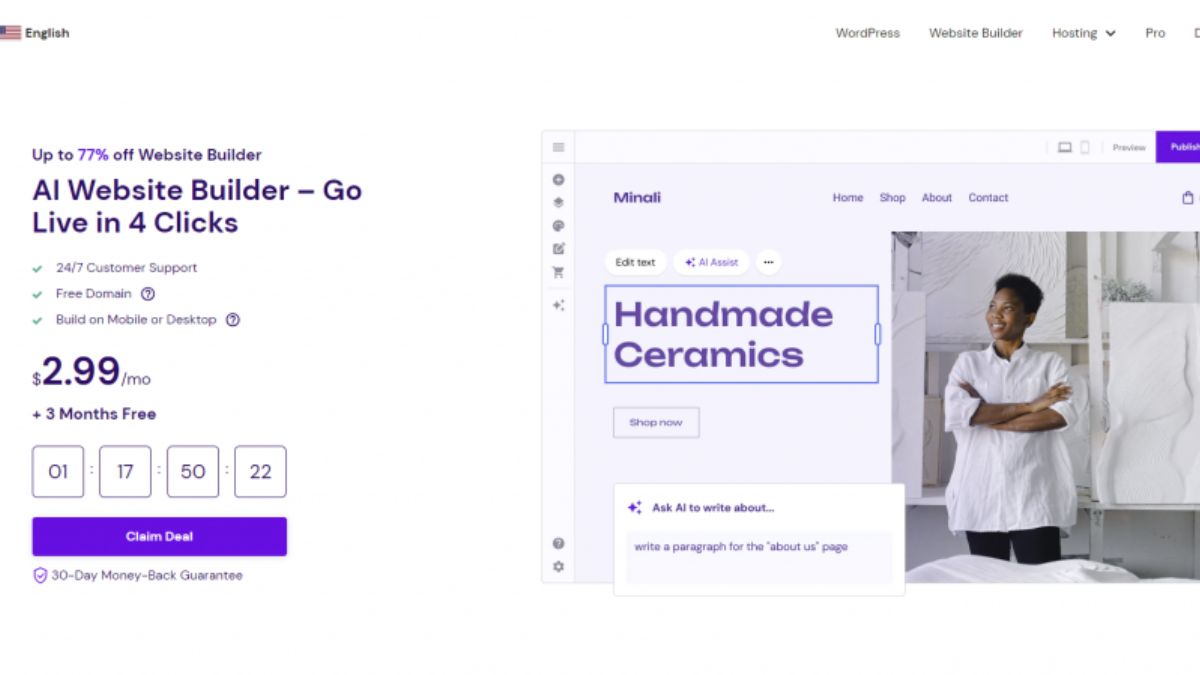
That’s why I recommend Hostinger for small business owners:
- Reliable uptime so your site is available when customers are searching
- Fast performance through LiteSpeed technology and built-in caching
- Free SSL certificate, which is essential for trust and required for accepting any online payments or forms
- Free domain on eligible plans
- Free business email on eligible plans, so you can use an address like hello@yourbusiness.com
- One-click WordPress installation for a quick, guided setup
- Free website migration if you’re switching from an existing site
- 24/7 live chat support, useful when you’re busy running your business and need quick answers
- 30-day money-back guarantee
An entry-level shared plan works well for most small businesses just getting started. If you add online ordering, bookings, or expect higher traffic, you can move up to a higher tier or cloud hosting later.
👉 Get your business online with Hostinger today.
Step 4: Set Up WordPress
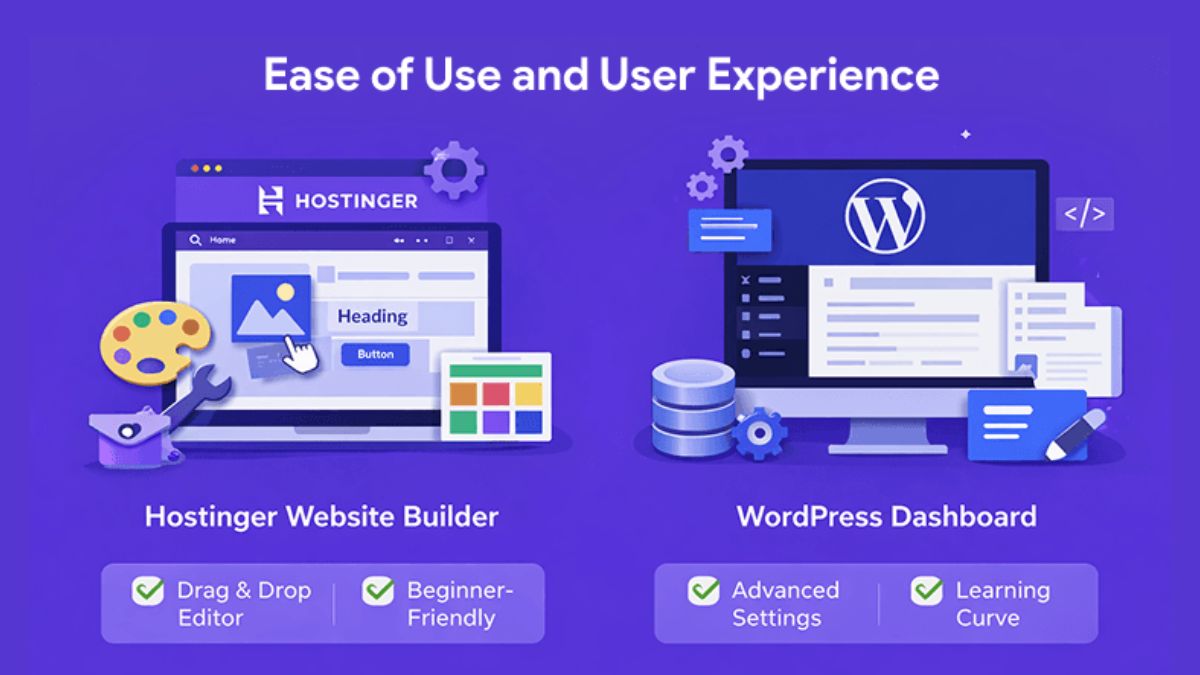
Inside your Hostinger dashboard, use the guided setup to install WordPress with just a few clicks. WordPress is an excellent choice for small businesses because it’s flexible, SEO-friendly, and supported by countless free themes and tools designed specifically for business websites.
If you’d rather skip WordPress entirely, Hostinger’s AI-powered website builder is a simpler drag-and-drop option, good for business owners who want speed and simplicity over deep customization.
Step 5: Choose a Professional, Fast-Loading Theme
Your theme sets the tone for how customers perceive your business. Choose one that’s:
- Clean and professional, matching your industry
- Mobile-responsive, since many customers will browse from their phones
- Lightweight and fast-loading
- Easy to customize without needing code
Popular beginner-friendly themes like Astra, Kadence, and Blocksy offer business-focused starter templates you can import and customize with your logo, colors, and content in an afternoon.

Step 6: Build the Essential Pages
A small business website doesn’t need to be huge. It needs to be clear, useful, and focused on turning visitors into customers.
Homepage
This is your first impression. Include:
- A clear headline stating what you do and who you help
- Your key services or products
- A strong call to action, such as “Book Now,” “Get a Quote,” or “Call Today”
- Trust signals like testimonials, certifications, or years in business
- Your location and hours if relevant
About Page
Share your story, your mission, and the people behind the business. Customers, especially local ones, love supporting businesses they feel connected to.
Services or Products Page
Describe what you offer clearly, with enough detail that customers understand the value. Include pricing if appropriate for your industry, or a clear way to request a quote.
Testimonials or Reviews Page
Social proof is one of the most persuasive elements on a small business website. Feature real customer reviews with names and, if possible, photos.
Contact Page
Make it effortless to reach you: a contact form, phone number, email, physical address if applicable, and a map. If you take appointments, consider adding online booking.
Gallery or Portfolio (if applicable)
For service businesses like contractors, salons, or photographers, showcasing your actual work builds enormous trust.
Blog (Optional but Valuable)
A blog helps you rank for more search terms, answer common customer questions, and demonstrate your expertise. It’s especially powerful for local SEO when you write about topics relevant to your area and services.

Step 7: Optimize for Local SEO
If your business serves a specific city or region, local search visibility is one of your most valuable assets.
Local SEO basics to implement:
- Claim and fully complete your Google Business Profile, including hours, photos, and categories.
- Use your city or region naturally in page titles, headings, and content.
- Keep your name, address, and phone number (NAP) consistent across your website and all online directories.
- Get listed in relevant local directories and industry-specific listings.
- Encourage satisfied customers to leave reviews on Google.
- Add a map embed on your contact page.
- Create location-specific content if you serve multiple areas.
Local SEO takes some ongoing effort, but it’s one of the highest-return activities for a business that depends on nearby customers.
Step 8: Add Trust and Conversion Elements
Visitors decide within seconds whether they trust your business. Strengthen that first impression with:
- Customer testimonials and reviews
- Certifications, licenses, or awards
- Clear pricing or transparent quote process
- Professional photos, ideally real photos of your team, location, or work rather than generic stock images
- Trust badges, such as secure checkout icons if you sell online
- A visible phone number or contact button, especially important on mobile
Every page should make the next step obvious. Don’t make visitors hunt for how to contact or buy from you.

Step 9: Make Sure Your Site Works Perfectly on Mobile
A large share of local searches happen on smartphones, often from people looking for a business right now. Test your site thoroughly on mobile:
- Buttons and links should be easy to tap
- Text should be readable without zooming
- Forms should be simple to fill out on a small screen
- Click-to-call phone numbers should work with a single tap
- Pages should load quickly on mobile connections
If your site frustrates mobile visitors, they’ll bounce straight to a competitor’s site instead.
Step 10: Set Up Analytics and Tracking
You can’t improve what you don’t measure. Set up:
- Google Analytics to understand where visitors come from and what they do on your site
- Google Search Console to monitor your search performance and fix any indexing issues
- Call tracking if phone calls are a major conversion point for your business
- Form and booking tracking to see which pages drive the most inquiries
Review this data monthly to understand what’s working and where visitors are dropping off.
Step 11: Launch and Promote Your Website
Once your site is live, make sure people can find it:
- Add your website link to all social media profiles
- Include it on business cards, invoices, and email signatures
- Link to it from your Google Business Profile
- Share it with existing customers and ask for reviews
- Consider local partnerships and cross-promotion with nearby businesses
- Use paid local ads once your site is converting well, to accelerate growth
Common Small Business Website Mistakes to Avoid
- Making it too complicated. Customers want quick answers, not an overwhelming maze of pages.
- Choosing slow, unreliable hosting. A site that’s down when a customer searches is a missed sale. Build on a dependable host like Hostinger.
- Using only stock photos. Real photos of your business build far more trust.
- Hiding contact information. Make it easy, not a scavenger hunt.
- Ignoring mobile users. Many local searches happen on phones.
- Forgetting to update content. Outdated hours, prices, or offers frustrate customers.
- Skipping local SEO. It’s often the highest-return investment for a local business.
Frequently Asked Questions
How much does it cost to build a small business website? Your main costs are hosting and a domain. With an affordable host like Hostinger, and a free domain and email on eligible plans, you can launch professionally without a large upfront investment.
Do I need a website if I already have a Facebook or Instagram page? Yes. A website gives you ownership, better search visibility, and a more professional, conversion-focused experience that social profiles alone can’t provide.
How many pages does a small business website need? Most small businesses do well with five to seven core pages: Home, About, Services or Products, Testimonials, and Contact, plus a blog if you want ongoing SEO benefits.
Can I build the website myself without hiring a developer? Yes. With WordPress themes or a website builder, most small business owners can build a professional site themselves.
How do I get my website to show up in local Google searches? Set up and optimize your Google Business Profile, keep your business information consistent everywhere online, gather customer reviews, and include your city naturally in your website content.
What if I need to move my existing website to a new host? Hostinger offers free website migration for eligible sites, so switching providers doesn’t have to mean starting from scratch.
Your Customers Are Searching. Make Sure They Find You.
Right now, potential customers are searching online for exactly what your business offers. The question is whether they’ll find a professional, trustworthy website, or a competitor’s instead.
Building that website doesn’t require a big budget or technical expertise. It requires a clear plan, the right hosting foundation, and a handful of focused pages designed to answer questions and invite action.
👉 Start building your small business website with Hostinger today.
With free domain and email on eligible plans, 24/7 live chat support, and a 30-day money-back guarantee, there’s never been an easier or lower-risk time to give your business the online home it deserves. Your next customer is searching right now. Make sure they find you.









Leave a Reply