

Let’s be honest for a second. Most people who say “I’d love to start a blog someday” never actually do it. Not because they lack talent or ideas, but because the technical side feels intimidating. Domain names, hosting, WordPress, plugins… it sounds like a foreign language.
Here’s the good news: starting a blog in 2026 is easier and cheaper than it has ever been. You don’t need to know how to code. You don’t need a big budget. You need a clear idea, a reliable home for your website, and the willingness to show up consistently.
In this step-by-step guide, I’ll walk you through exactly how to start a blog and make money from it, from choosing your niche to publishing your first post and turning your traffic into income. By the end, you’ll have a real, live website that you own completely.
Ready to build something that’s truly yours? Let’s go.
Why Start a Blog in 2026?
With social media algorithms changing every few months, it’s risky to build your entire business on platforms you don’t control. One policy update and your reach can disappear overnight. A blog is different. It’s your digital real estate, and nobody can take it away from you.
Here’s why blogging is still one of the smartest online business models today:
- You own it. Your content, your audience, your rules.
- Low startup costs. Compared with almost any other business, launching a blog costs very little.
- Content works while you sleep. A single well-optimized post can bring in visitors for years.
- Multiple income streams. Affiliate marketing, digital products, sponsored posts, ads, coaching, and more.
- It builds authority. A blog positions you as an expert in your field, opening doors to clients, collaborations, and speaking opportunities.
The bloggers who succeed aren’t necessarily the smartest or the most creative. They’re the ones who start, stay consistent, and treat their blog like a real business. So let’s get you started.

Step 1: Choose a Blog Niche You Can Stick With
Your niche is the main topic your blog will focus on. The biggest mistake beginners make is choosing a niche purely because it’s “profitable” and then burning out after six weeks because they’re bored.
A great niche sits at the intersection of three things:
- Something you enjoy or know well. You’ll be writing about it for years, so genuine interest matters.
- Something people search for. There must be an audience actively looking for answers.
- Something that can be monetized. There should be products, services, or problems people will pay to solve.
Popular, proven niches include personal finance, health and fitness, parenting, travel, food, productivity, online business, freelancing, and personal development. But don’t feel limited by this list. Micro-niches such as “budget travel for solo women” or “meal prep for busy nurses” often perform better because the audience is specific and loyal.
Quick test: Can you think of 50 blog post ideas in your niche without straining? If yes, you’ve found a workable topic.
Step 2: Pick a Blog Name and Domain
Your domain name is your web address (like yourblogname.com). It’s your brand’s first impression, so choose carefully.
Tips for choosing a strong domain:
- Keep it short, memorable, and easy to spell.
- Prefer a .com extension when possible. It’s the most trusted and easiest to remember.
- Avoid hyphens and numbers. They confuse people when shared verbally.
- Make it broad enough to grow with you. “AnnaLovesKeto.com” limits you if you later expand into general wellness.
- Consider using your own name if you plan to become a personal brand.
Before you fall in love with a name, check that it’s available and that matching social media handles exist. The good news is that many hosting plans, including Hostinger’s, include a free domain for the first year on eligible plans, so you can register your name and set up hosting in a single checkout.
Step 3: Get Reliable Web Hosting (This Is the Step Most Beginners Get Wrong)
Web hosting is the service that stores your website files and makes them available to visitors around the world. Think of your domain as your street address and your hosting as the actual house. Without it, your blog simply can’t exist online.
Here’s what many beginners don’t realize: your hosting choice directly affects your site speed, security, uptime, and even your Google rankings. A slow, unreliable host can quietly sabotage your blog before it ever gets going.
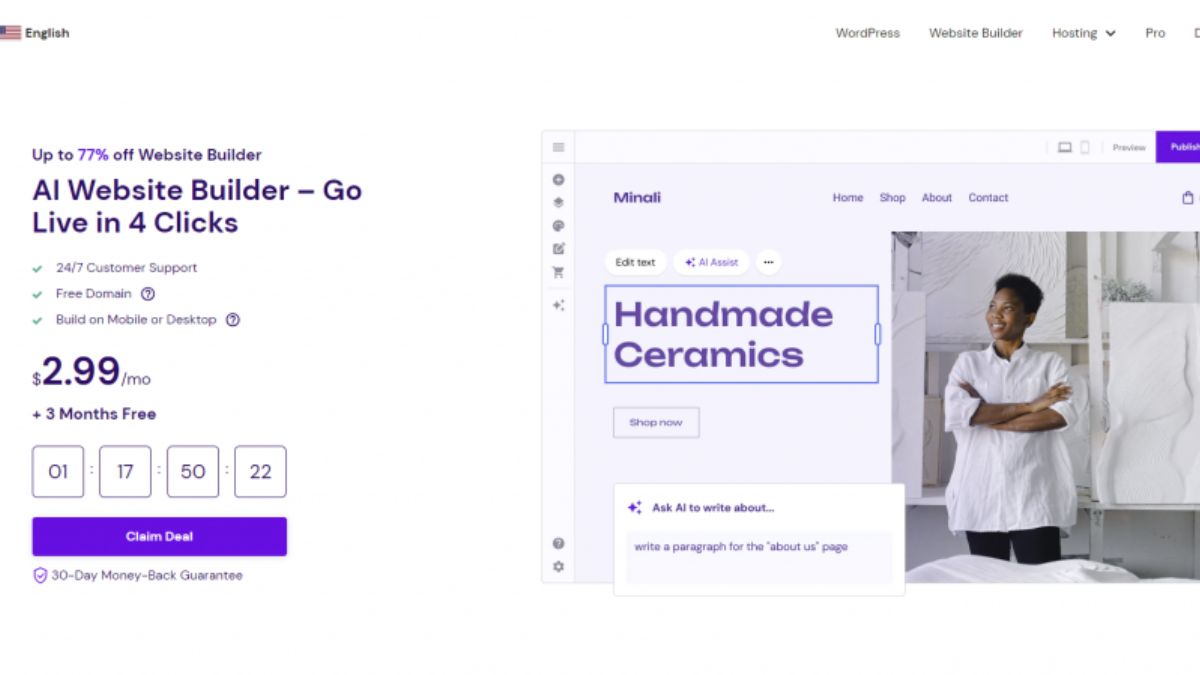
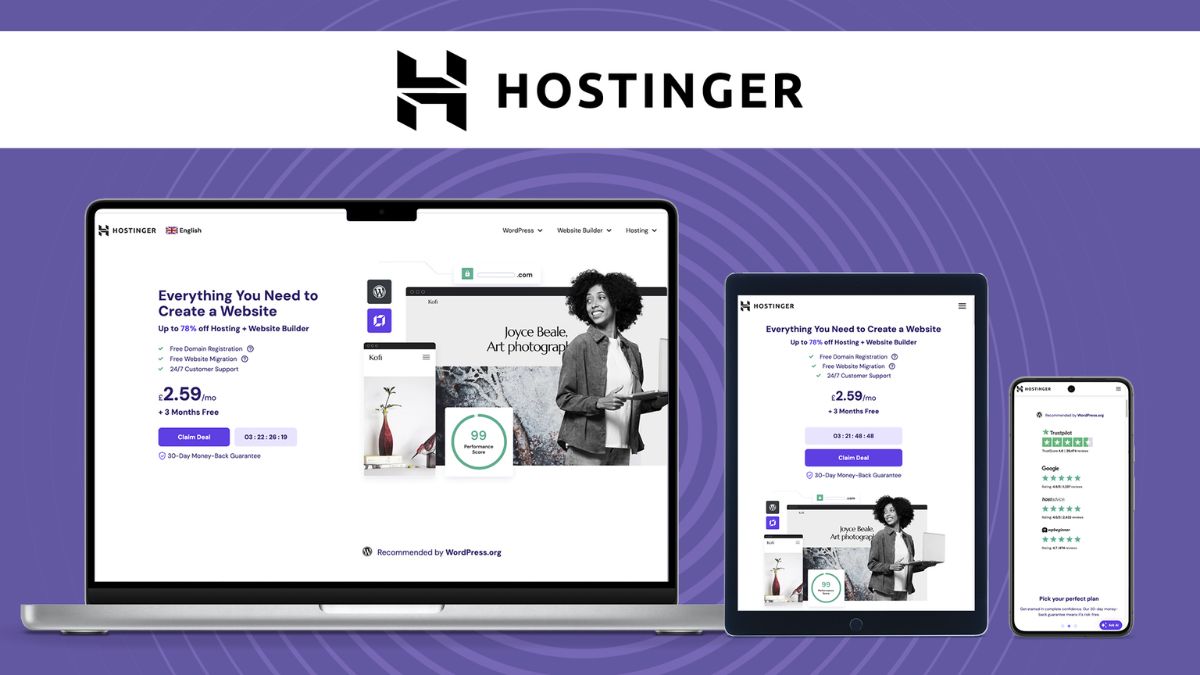
That’s why I recommend Hostinger for new bloggers. Here’s why it’s a smart fit:
- Beginner-friendly control panel (hPanel). It’s clean and intuitive, so you’re not lost in a maze of confusing menus.
- One-click WordPress installation. No technical skills required.
- Fast performance. Hostinger uses LiteSpeed server technology and modern storage designed to keep pages loading quickly, which visitors and Google both love.
- Free SSL certificate. Your site gets the little padlock icon that builds trust and supports SEO.
- Free domain on eligible plans. Save money right from day one.
- Free website migration. Already have a site elsewhere? Hostinger can help you move it.
- 24/7 live chat support. Help is available whenever you get stuck.
- 30-day money-back guarantee. You can try it with very little risk.
Hostinger is known for offering some of the most affordable hosting on the market without cutting corners on the features that matter. For a beginner blogger, that’s exactly the balance you want.
👉 Click here to get started with Hostinger and claim your blog’s home today.
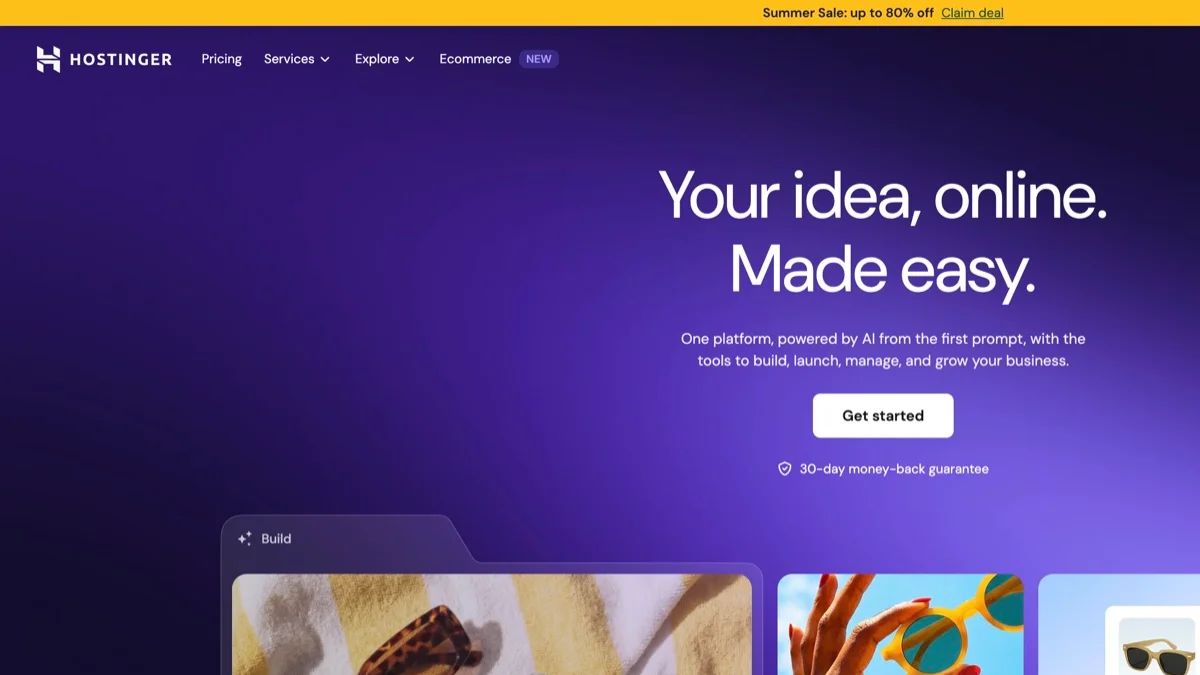
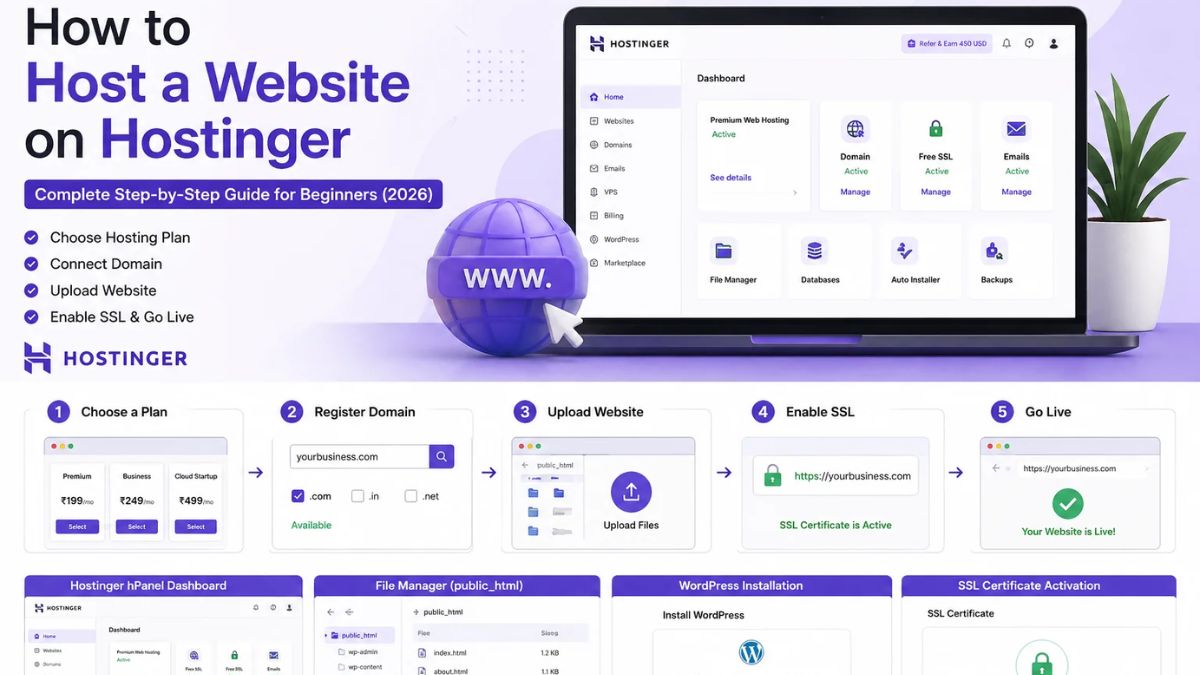
How to sign up (takes about 5 minutes):
- Visit Hostinger using my link.
- Choose a hosting plan. For most new bloggers, an entry-level shared hosting plan is plenty. You can always upgrade later as your traffic grows.
- Select your billing period. Longer terms usually give you the lowest monthly rate.
- Create your account and complete checkout.
- Claim your free domain (if included with your plan) and pick your blog name.
That’s it. You now own your own corner of the internet.
Step 4: Install WordPress
WordPress powers a huge share of all websites on the internet, and for good reason: it’s flexible, SEO-friendly, and free. Some people prefer other platforms, but for serious blogging, WordPress remains the gold standard.
Inside your Hostinger dashboard, you’ll be guided through a setup wizard that lets you install WordPress with just a few clicks. You’ll create your admin username and password, choose your site name, and Hostinger does the rest.
Once it’s installed, you can log in to your WordPress dashboard by adding /wp-admin to the end of your domain. This is your control center, where you’ll write posts, change your design, and manage everything on your site.
Pro tip: Use a strong, unique password and keep a backup of your login details in a secure password manager.

Step 5: Choose a Theme and Set Up Your Essential Pages
Your theme controls how your blog looks. You don’t need anything fancy. In fact, lightweight, fast-loading themes usually outperform heavy, feature-stuffed ones. Popular beginner-friendly options include Astra, Kadence, and GeneratePress, all of which have free versions.
Set up these essential pages first:
- Home page: Clearly explain who you help and what they’ll find on your blog.
- About page: Tell your story and why readers should trust you.
- Contact page: Make it easy for brands and readers to reach you.
- Privacy Policy and Disclaimer: These are legally important, especially if you’ll use affiliate links or ads.
- Blog page: Where your latest posts will appear.
Install these must-have plugins:
- An SEO plugin (such as Rank Math or Yoast SEO)
- A caching plugin (Hostinger includes LiteSpeed Cache tools that work great with WordPress)
- A security plugin
- A backup solution
Keep your plugin list lean. Every extra plugin can slow down your site.
Step 6: Write Your First Posts With SEO in Mind
Now comes the fun part: creating content. But here’s the secret that separates hobby bloggers from profitable ones: write for people, but structure for search engines.
A simple SEO writing process:
- Do keyword research. Use free tools like Google Autocomplete, “People Also Ask,” and Google Keyword Planner to find questions your audience is typing into search engines.
- Match search intent. If someone searches “how to start a blog,” give them a clear step-by-step guide, not a sales pitch.
- Use a strong headline. Include your main keyword naturally and make it clickable.
- Structure your post. Use H2 and H3 headings, short paragraphs, bullet points, and images.
- Add internal links. Link to your other relevant posts to keep readers on your site longer.
- Write a compelling meta description. This is your chance to win the click in search results.
Aim to publish 10 to 15 quality posts before you start heavily promoting your blog. This gives visitors plenty to read and shows Google that your site is active and focused on a topic.
Beginner-friendly post ideas: how-to guides, tutorials, beginner roundups, product reviews, comparison posts, resource lists, and personal stories that teach a lesson.
Step 7: Drive Traffic to Your Blog
Great content needs eyes on it. The most sustainable traffic sources for new blogs include:
- Search engine traffic (SEO): Slow at first, but the most powerful long-term channel.
- Pinterest: Especially strong for lifestyle, food, home, travel, and business niches. It works like a visual search engine.
- Email marketing: Start building your email list from day one. It’s the one audience you truly control.
- Social media: Choose one or two platforms where your audience hangs out, and repurpose your content there.
- Guest posting and collaborations: Get in front of established audiences.
Don’t try to do everything at once. Pick one or two channels and go deep. Consistency beats intensity every time.
Step 8: Monetize Your Blog
You can start earning before you have massive traffic if you’re strategic. Here are the most common ways bloggers make money:
1. Affiliate marketing. Recommend products or services you love and earn a commission when readers buy through your links. For example, if you write tutorials about starting a blog, you can recommend Hostinger as your hosting provider, just as I’ve done in this guide.
2. Display ads. Once your traffic grows, ad networks can pay you per thousand views.
3. Digital products. Ebooks, templates, printables, and online courses offer high profit margins.
4. Sponsored content. Brands pay bloggers to feature their products or services.
5. Services and coaching. Your blog can become a powerful lead-generation tool for freelancing, consulting, or coaching.
6. Membership communities. Offer premium content or private groups for a recurring fee.
Most successful bloggers combine several of these. Start with affiliate marketing because it requires no product creation, then layer on other income streams as your audience grows.
Common Blogging Mistakes to Avoid
- Choosing the cheapest, slowest hosting. Speed and reliability matter more than most beginners realize. Start with a trusted host like Hostinger from the beginning to avoid painful migrations later.
- Giving up too early. Most blogs take several months to gain traction. Stay patient.
- Ignoring SEO. Great content that nobody can find won’t pay your bills.
- Not building an email list. Social platforms change. Your list is an asset you own.
- Copying other bloggers. Add your own voice, stories, and perspective.
- Publishing inconsistently. A simple schedule you can maintain beats an ambitious one you’ll abandon.
Frequently Asked Questions
How much does it cost to start a blog? Your main costs are hosting and a domain. With an affordable host like Hostinger, and a free domain on eligible plans, you can launch for a small fraction of what most other businesses require.
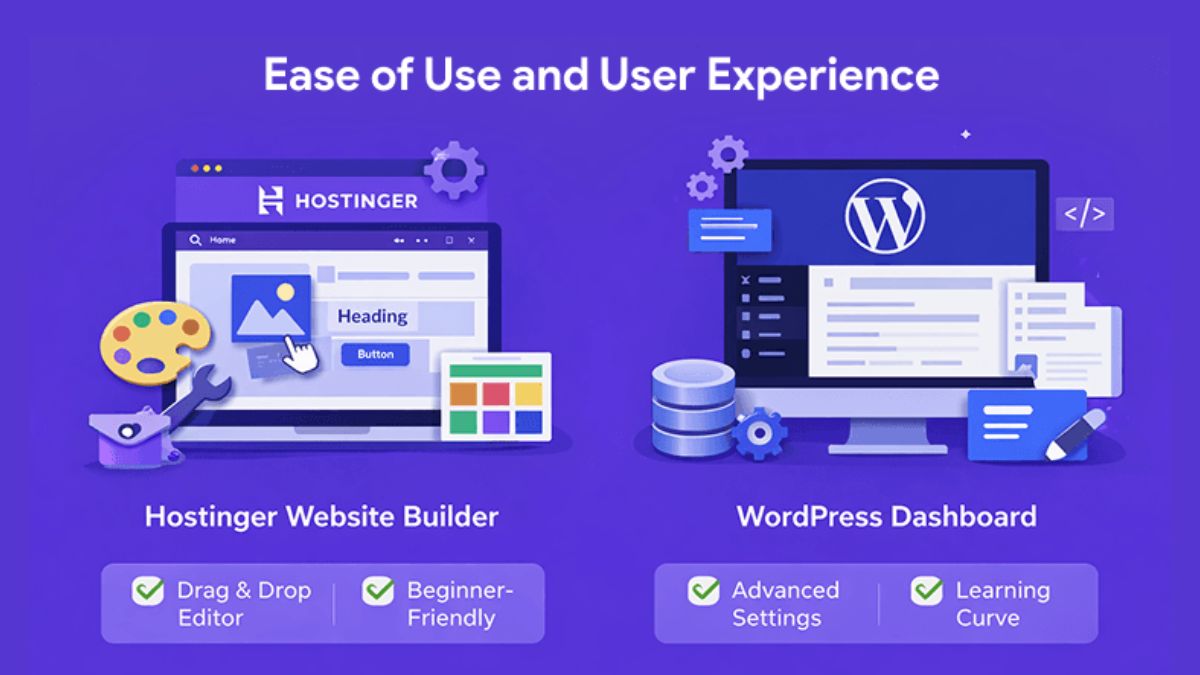
Do I need technical skills to start a blog? Not at all. With one-click WordPress installation and a beginner-friendly dashboard, you can set everything up without touching code.
How long does it take to make money blogging? It varies. Some bloggers earn their first income within a few months, while others take longer. Your niche, consistency, and content quality all play a role.
Can I start a blog for free? Free platforms exist, but they limit your control, branding, and monetization options. Owning your site through self-hosted WordPress is the professional route.
What is the best hosting for a beginner blog? For beginners who want speed, simplicity, and great value, Hostinger is an excellent choice.
Your Next Step: Stop Planning and Start Building
Every successful blogger you admire started exactly where you are right now: with an idea and a decision. The difference between dreaming and doing is a single action.
Your action today is simple. Secure your hosting, claim your domain, and take the first step toward building an online asset you own.
👉 Get started with Hostinger today and launch your blog in under an hour.
With a 30-day money-back guarantee, there’s very little risk in trying. The real risk is waiting another year and still wishing you’d started. Your future audience is out there searching for exactly what you have to share. Go build the home they’ll find you in.







Leave a Reply